
Last updated: November 2026
Duolingo will not load. Lessons will not start. Or the app crashes the moment you open it. Before you reinstall anything or lose your streak, take one minute to find out whether Duolingo itself is down or whether the problem is on your side. Most of the time, it is on your side, and the fix is quick.
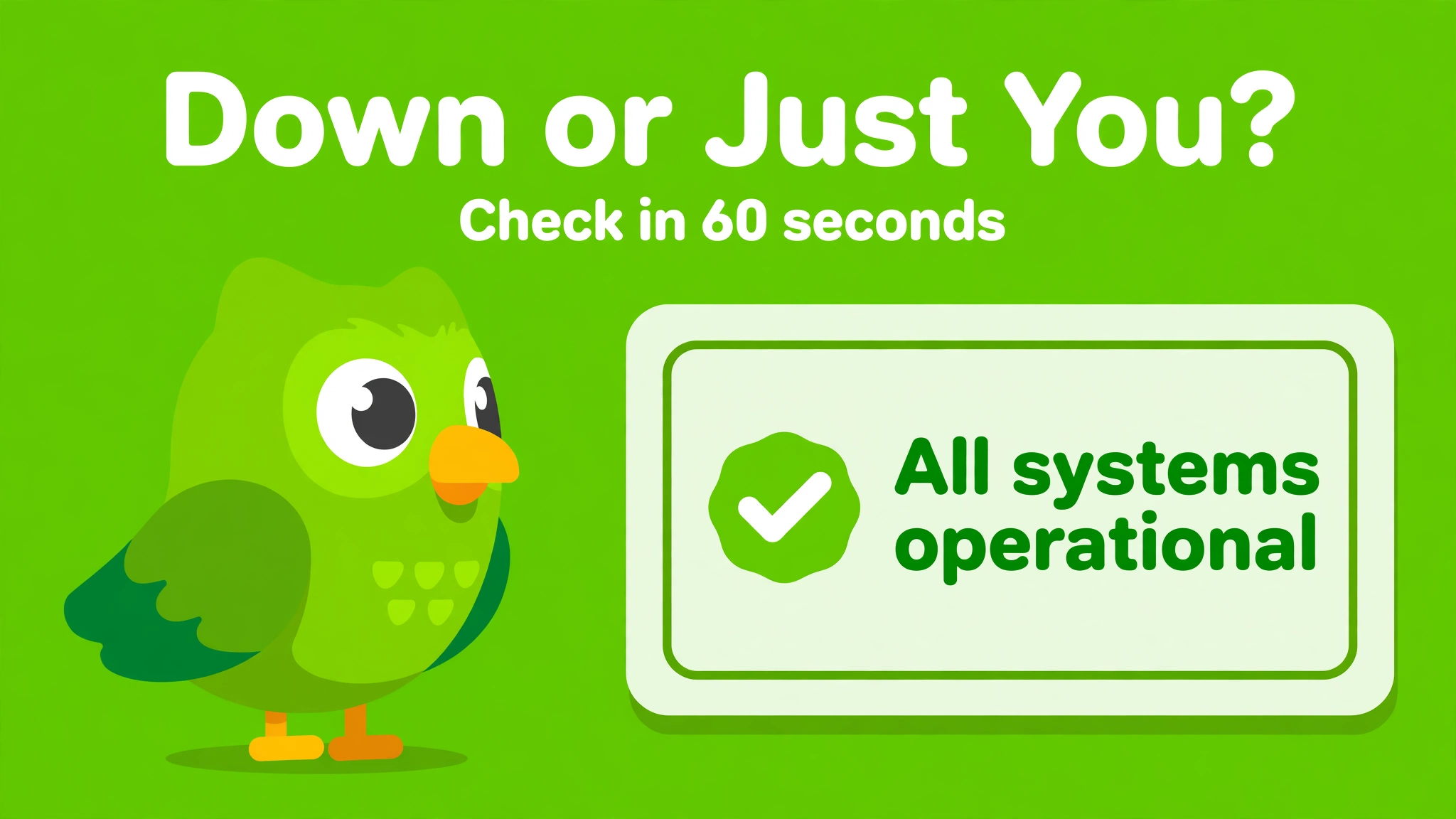
As of this update, Duolingo is working normally. The most recent incident on Duolingo’s official status page was on October 27, 2026, when Duolingo reported increased errors. That incident is resolved. But outages do happen, so this guide shows you how to check the status in under a minute, how to tell a real outage from a local problem, and what to do in each case.
Is Duolingo Down Right Now? How to Check in 60 Seconds
Start with the official source. Duolingo runs its own status page at status.duolingo.com, where it reports incidents, outages, and maintenance. That page is the only source that speaks for Duolingo itself, so check it first.
- Open status.duolingo.com in your browser. If it says all systems are operational and shows no active incident, Duolingo is up, and the problem is almost certainly on your side.
- Check Downdetector at downdetector.com for Duolingo. It shows live user reports on a graph and a map. A sharp spike in reports means other people are hitting the same problem at the same time as you.
- Check a second monitor such as StatusGator or IsDown, which track the official status page every few minutes and keep an incident history. If they show an active incident, it is real.
- Check Duolingo’s social media, especially X (Twitter), where Duolingo and its users post about outages quickly. Search for Duolingo plus “down” and look at the newest posts.
| Where to check | What it tells you | How to read it |
|---|---|---|
| status.duolingo.com (official) | Duolingo’s own incident reports | Any active incident means Duolingo is down or degraded. No incident means it is up. |
| Downdetector | Live user reports | A sudden spike in reports means a real outage. A flat line means the problem is local. |
| StatusGator / IsDown | Official status plus incident history | Useful for seeing how long an outage has lasted and what happened before. |
| Duolingo on X (Twitter) | Real-time posts from users and Duolingo | Many fresh complaints at the same time point to an outage. |
Is It Duolingo or Is It You? The 30-Second Test
Most “Duolingo is down” moments are not outages at all. Run this quick test before you assume the worst:
- Open another website or app. If other sites load fine, your internet works, and the problem is Duolingo or your Duolingo app. If nothing loads, your connection is the problem, not Duolingo.
- Try Duolingo on a different platform. If the app fails, open duolingo.com in a browser. If the website fails, try the app. When one works and the other does not, the outage is limited to one platform, or your app needs attention.
- Try mobile data instead of Wi-Fi, or Wi-Fi instead of mobile data. If Duolingo works on one connection and not the other, your network is the problem.
- Ask yourself what changed. Did the app just update? Did you change phones, networks, or passwords? A problem that starts right after a change usually comes from that change.
If the official status page shows no incident, Downdetector shows no spike, and other websites load fine, Duolingo is not down. Work through the fixes below.
Recent Duolingo Outages
Duolingo is a large service with over 140 million monthly users, so short incidents happen. Here are the recent ones worth knowing about:
| Date | What happened | Status |
|---|---|---|
| October 27, 2026 | Duolingo reported increased errors across the platform | Resolved |
| April 3, 2024 | iOS app crashed on opening, for about a day | Resolved |
| March 14, 2024 | Increased errors for about three hours | Resolved |
| March 28, 2024 | Increased errors for about 30 minutes | Resolved |
| February 27, 2024 | Short outage of about 15 minutes | Resolved |
The pattern is clear: most Duolingo outages are short, usually under an hour, and the service recovers on its own. Long outages are rare. If Duolingo has been down for you for more than a day while the status page says everything is fine, the problem is on your device or network, not at Duolingo.
Common Reasons Duolingo Goes Down
- Scheduled maintenance: Duolingo sometimes takes parts of the service offline to ship updates or fix bugs. Maintenance is usually short and announced on the status page.
- Technical problems: server errors, bad app updates, or software bugs can break the app, the website, or specific features such as lessons, leagues, or audio.
- High traffic: with tens of millions of daily users, usage spikes can slow the service down, especially around the New Year, when millions of people start learning a language at once.
- Third-party problems: login services, app stores, payment providers, or content networks can fail and take parts of Duolingo down with them.
What to Do When Duolingo Is Not Working
Work through these fixes in order. Most people find the problem in the first three steps.
1. Check your internet connection
Load another website or app. If nothing loads, restart your router or switch between Wi-Fi and mobile data. If only Duolingo fails, move on.
2. Force-close and reopen the app
On mobile, swipe the Duolingo app away completely, then open it again. This clears stuck sessions that cause most app glitches.
3. Restart your device
A full phone or computer restart clears temporary system problems that a simple app restart does not.
4. Update the Duolingo app
Open the App Store or Google Play and check for a Duolingo update. An outdated app can stop working after Duolingo changes something on its servers, and the fix is often just the latest version.
5. Clear the browser cache and cookies
If you use Duolingo on the web, clear your browser cache and cookies, then log in again. Or try a different browser. Corrupted cached data is a common cause of lessons that will not load.
6. Check your login
If Duolingo keeps logging you out or says your password is wrong, log out completely and log back in. Make sure you are using the right login method: the same email, Google, Apple, or Facebook account you signed up with. Using a different method creates or opens a different account, and your progress will look missing.
7. Check your storage and operating system
A phone that is almost full of storage, or an operating system that is years out of date, can make apps crash. Free up space and install pending system updates.
8. Wait and try again
If the status page shows an active incident, there is nothing to fix on your side. Wait for Duolingo to resolve it. Your streak is the usual worry here: if an outage stops you from finishing a lesson, buy a Streak Freeze in advance when you can, and contact Duolingo support if an outage itself cost you a long streak. Support sometimes restores streaks lost to a confirmed outage, but this is decided case by case, not guaranteed.
What to Do While Duolingo Is Down
A short outage does not have to mean a lost day of learning:
- Review offline: if you are a Super subscriber, downloaded lessons may still work without a connection. Open the app and try a downloaded lesson.
- Use another resource: read, listen to a podcast, or watch a video in your target language. Even 15 minutes keeps the habit alive.
- Review your notes: go over vocabulary or grammar notes from earlier lessons instead of starting something new.
- Do not reinstall the app in a panic. Reinstalling logs you out and, if your account is not properly linked to an email, can risk your progress. Only reinstall as a last resort, after confirming your account email and password work on the website.
How to Stay Updated on Duolingo’s Status
- Bookmark status.duolingo.com so you can check it in one tap next time.
- Follow Duolingo’s official accounts on X and Instagram for quick outage updates.
- On Downdetector, you can report a problem yourself, which helps other users see the scale of an outage.
- Do not trust random “Duolingo is down” posts without checking the official status page. Old screenshots and unrelated complaints circulate every time the app glitches for one person.
Frequently Asked Questions
Is Duolingo down right now?
As of November 2026, no. The official status page at status.duolingo.com shows Duolingo as operational, and the last incident was on October 27, 2026. Check the status page for the live answer, because it changes.
Why is the Duolingo app not working?
Usually it is a local problem: a bad connection, an outdated app, a stuck session, or corrupted cache. Force-close the app, check for an update, and restart your phone. If the status page shows an incident, wait for Duolingo to fix it.
Why does Duolingo keep crashing?
Frequent crashes usually mean an outdated app, a phone low on storage, or an old operating system. Update the app and your phone software, free up storage, and if it still crashes, reinstall the app only after confirming you can log in on the website.
Is Duolingo down for everyone or just me?
Check Downdetector. A sharp spike in reports means it is down for many people. A flat line with no reports means the problem is yours.
Will I lose my streak if Duolingo is down?
Possibly, if you cannot complete a lesson before midnight in your timezone. Use a Streak Freeze when you can, and contact Duolingo support if a confirmed outage cost you a long streak.
Where is Duolingo’s official status page?
At status.duolingo.com. It is the only official source for Duolingo outages, incidents, and maintenance.
Bottom line: when Duolingo stops working, check status.duolingo.com first. If it says everything is operational, the problem is on your side: check your connection, force-close and update the app, and try the website instead. Real Duolingo outages are usually short, and the status page tells you exactly when they start and end.