
Last updated: November 2026
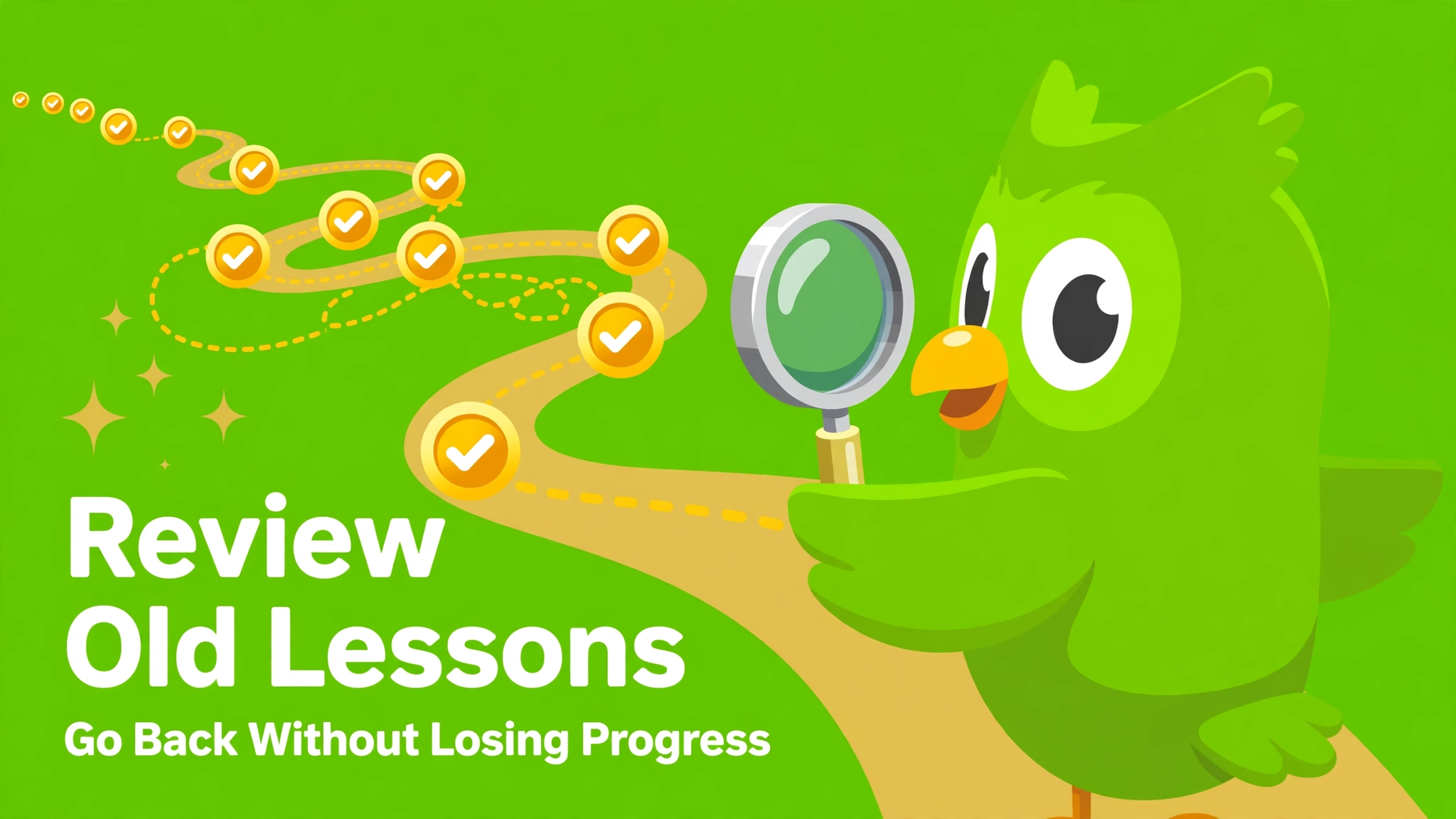
Yes, you can go back to previous lessons on Duolingo. Nothing you have finished is locked away. Tap the coloured unit label at the top of your learning path, pick a section you already completed, and redo any lesson in it for free. You can also use Practice Hub for targeted review of your mistakes and weak words.
Quick answer: Tap the unit label at the top of your path. It opens a list of your current section and every section you have finished. Tap a section to open it, then tap any completed lesson to redo it. To close the list and return to where you were, tap the X at the top left. Redoing a lesson earns XP, and it costs you no progress.
How to Go Back to Previous Lessons on Duolingo
Duolingo confirmed this method in its own guide to reviewing lessons, updated in October 2026. It works the same way on iPhone and Android.
- Open the Duolingo app and go to your learning path.
- Tap the coloured unit label at the top of the screen. It shows your section number, unit number, and unit name.
- You will see your current section, the sections you have already completed, and the ones that come next.
- Tap a completed section to open that part of the course.
- Tap any completed lesson inside it to redo it.
- When you are done, tap the X at the top left to close the section list and return to your current place on the path.
Finished lessons stay open. Redoing one does not move you backwards, does not erase your current place, and does not cost you anything. It is the simplest way to refresh vocabulary and grammar you have started to forget.
Redo One Lesson Without Opening the Section List
If you only want to repeat a single lesson, you do not need the section list at all. Scroll back up your learning path and tap any completed (gold) lesson. It opens again, ready to redo. This is the fastest option when you know exactly which lesson felt shaky.
When your whole course is finished, the same trick still works: tap any completed lesson on the path to revisit it, or try the Legendary challenges at the end of each unit for a harder review.
Use Practice Hub for Targeted Review
Going back to old lessons is one kind of review. Practice Hub is the other, and it is smarter: it picks what you personally need to work on instead of making you replay whole units.
Practice Hub has been free for all learners since 18 February 2026. Open the Practice tab, marked by the barbell icon in the bottom menu, and you will find sessions for your mistakes, your words, speaking, and listening, plus the Stories, Radio, and Adventures your course has.
| Review method | Best for | Cost |
|---|---|---|
| Redo a lesson from the section list | Replaying a full lesson or a whole unit you want to rebuild | Free |
| Tap a completed lesson on the path | One quick repeat of a lesson you just did | Free |
| Practice Hub | Your own mistakes, weak words, speaking, and listening | Free for all since Feb 2026 |
| Unit guidebook | Reading the grammar and vocabulary notes before you redo a unit | Free, where your course has one |
A good routine is to mix them: redo one old lesson a day from the section list, and run one Practice Hub session on your mistakes. That covers both the material you chose and the material Duolingo knows you are weak on.
Check Your CEFR Level Before You Pick What to Review
Duolingo organises its courses by CEFR levels, from A1 to B2. Next to each section in the section list, you will see its Duolingo Score. Tap the Score to see details such as the section’s CEFR level and the vocabulary and grammar it covers.
That detail view is the fastest way to find what to review. If a section’s grammar list includes something you keep getting wrong, that is the section to reopen. Duolingo’s biggest courses, such as Spanish, French, and German, were extended in April 2026 to teach up to a Duolingo Score of 129, which equals CEFR B2.
| CEFR level | What it means | When to review it |
|---|---|---|
| A1 | Beginner: everyday words and simple sentences | If basics like greetings, numbers, or present tense feel rusty |
| A2 | Elementary: past tense, everyday situations | If you can read but still stumble when you speak about the past |
| B1 | Intermediate: longer conversations, opinions | If you understand a lot but cannot yet explain yourself |
| B2 | Upper intermediate: complex topics, nuance | If you are finishing the course and want to lock it in |
What If You Cannot See Your Previous Lessons?
If the section list will not open, or your old lessons seem to be missing, work through this list:
- Update the app. The section list and Practice Hub are current features. An old app version may show a different layout or hide them.
- Tap the unit label, not the lesson. The section list opens from the coloured label at the very top of the path, not from tapping a lesson node.
- Scroll the path. If you scrolled far down, use the floating arrow button in the bottom-right corner to jump back to your current spot, then tap the unit label.
- Check you are in the right course. If you learn the same language from two base languages, or you have more than one language on your profile, switch to the right course with the flag at the top of the home screen.
- Restart the app. A stuck path view usually clears after a restart.
Duolingo does not lock finished lessons, so if you still cannot open an old section after these steps, it is almost always an app version or display problem, not a missing feature.
When Reviewing Is Not Enough
Reviewing works when your foundation is mostly solid. It does not work when everything feels forgotten. If you open early sections and barely recognise the words, consider a bigger step:
- Reset one course. Remove the course and add it back to start from Unit 1. Read our guide on how to reset Duolingo.
- Start completely over. If you want a clean slate across everything, read our guide on how to start Duolingo over.
Do not reset just because one unit feels hard. Resetting erases all progress and XP in that course, and it cannot be undone. Redoing the unit a few times is almost always the better fix.
Tips for Review That Actually Sticks
- Review a little, often. One old lesson a day beats a five-hour cram session once a month.
- Read the guidebook first. If your course has a unit guidebook, read its grammar notes before you redo the unit. The lesson will make far more sense the second time.
- Say the answers out loud. Speaking practice turns recognition into recall, which is what you need in a real conversation.
- Note your repeat mistakes. If the same word or grammar point keeps failing in Practice Hub, that is your real weak spot. Spend your review time there.
- Mix old and new. Do your new lesson first, then one old lesson. New material moves you forward, and old material stops you forgetting.
Frequently Asked Questions
Can I go back and redo a lesson on Duolingo?
Yes, for free. Tap the unit label at the top of your path to open the section list, pick a completed section, and tap any lesson to redo it. You can also tap a completed lesson directly on the path.
Do I lose progress if I redo an old lesson?
No. Redoing a lesson never moves you backwards and never erases your current place. You keep all your progress and you earn XP for the lesson you redo.
Is Practice Hub free?
Yes. Practice Hub sessions have been free for all learners since 18 February 2026. That includes mistake review, word practice, speaking, and listening sessions.
Why can’t I see my previous lessons on Duolingo?
Usually the app is out of date, or you are tapping a lesson node instead of the unit label at the top of the path. Update the app, tap the coloured unit label, and check you are in the right course.
Can I review lessons on the Duolingo website?
The section list method is described for the mobile app in Duolingo’s own guide. On the web, you can scroll your path and redo completed lessons, but Practice Hub sessions are an app feature, and Duolingo has not confirmed they exist on the website.
Should I reset my course instead of reviewing old lessons?
Almost never. Reviewing keeps your progress and fixes weak spots. Resetting erases all progress and XP in the course and cannot be undone. Reset only if you have forgotten so much that even the early sections feel new.