
Last updated: November 2026
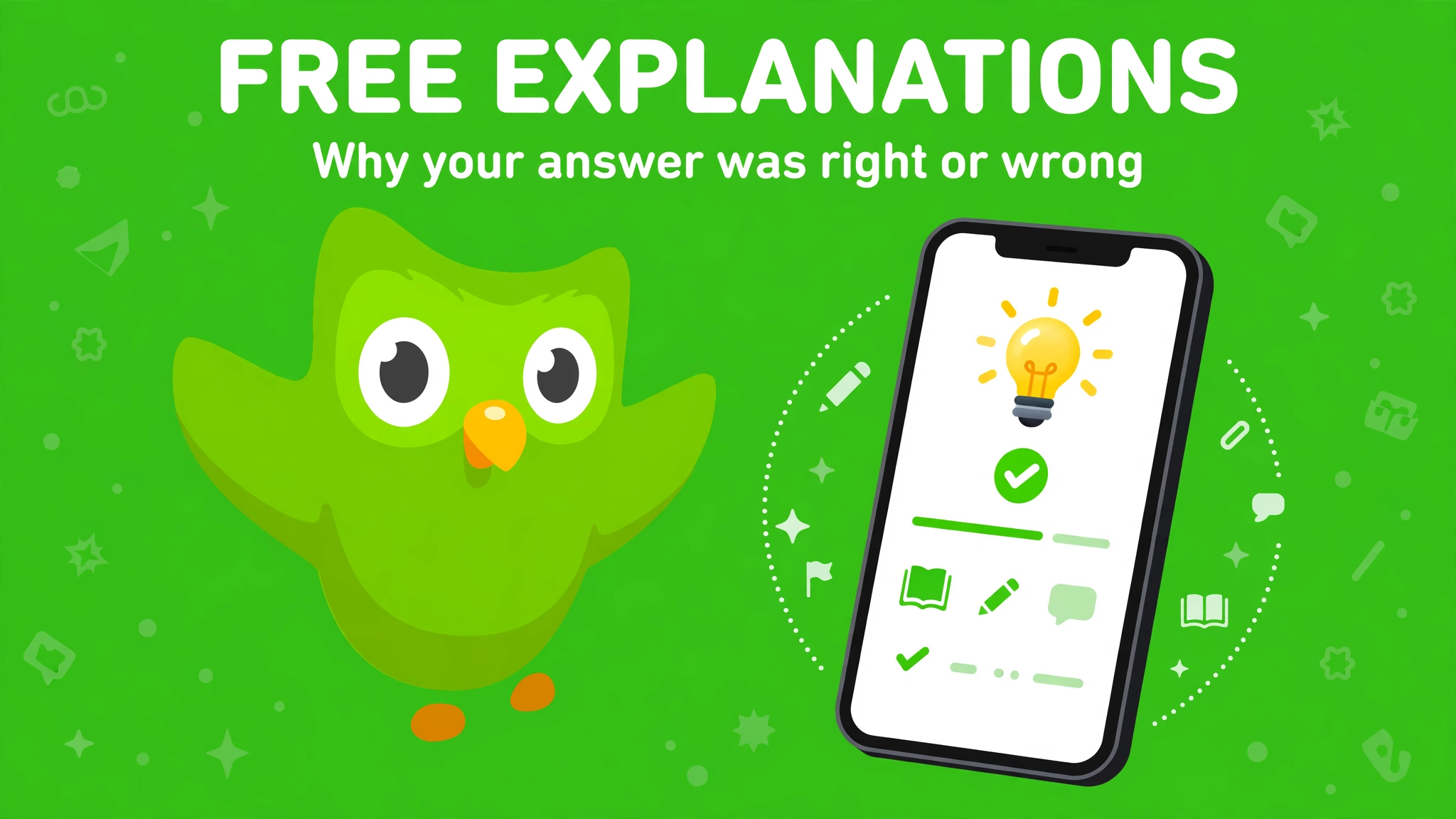
Explain My Answer is the Duolingo feature that tells you why an answer was right or wrong — the grammar rule behind it, the vocabulary choice, and what to do differently next time. And here is the fact most articles about it still get wrong: Explain My Answer is free for every Duolingo learner. It has been since 1 January 2026. You do not need Duolingo Max, and you do not need Super.
Explain My Answer is free for all users since 1 January 2026. It used to be a Duolingo Max exclusive. Now it works on the free plan too, in the main courses — no subscription, no trial, no payment needed.
Here is what we will cover:
- What Explain My Answer is
- How it works, step by step
- Which courses and languages have it
- How to use it well
- What it is not
- Explain My Answer: Free vs Super vs Max
- What happened to Duolingo Max
- FAQs
What Is Explain My Answer?
Duolingo’s normal feedback is simple: your answer is right or wrong. Explain My Answer adds the missing part — the reason. After you answer an exercise, you can ask the AI to explain it, and it gives you a short, plain-language breakdown: which grammar rule applies, why one word fits and another does not, and how the sentence works.
A real example, the kind learners actually hit: you write “au marché” and the app marks it right, or you write “à le marché” and it marks it wrong. Explain My Answer tells you that “à” and “le” combine into “au” in French — so “à le marché” is never correct. That one explanation fixes a whole class of mistakes, not just one answer.
The feature was built on OpenAI’s GPT-4 and launched with Duolingo Max in March 2023 as Max’s headline feature. For almost three years it was the main reason to pay for Max. On 1 January 2026 Duolingo made it free for all learners, and it has stayed free since — even as Max itself is now being discontinued.
How It Works, Step by Step
Using Explain My Answer is simple, and it works the same on the free plan, Super and Max:
- Answer an exercise as normal. The feature appears after you submit an answer in a lesson — on exercises where an explanation is available.
- Tap the Explain My Answer button. It shows up on the answer screen, after your answer is marked right or wrong.
- Read the explanation. You get a short breakdown of the grammar and vocabulary behind the answer — why the correct answer is correct, and what was wrong with yours if you got it wrong.
- Ask a follow-up question. You can ask the AI to explain further — for example, to give you another example sentence using the same rule, or to explain a word you did not know.
- Move on, or retry. The explanation stays available while you are on that screen; once you move to the next exercise, it is gone, so read it before you continue.
It works on right answers too, not just wrong ones. That is worth remembering: if you guessed right, tap the button and check that you got it right for the right reason. A lucky guess teaches you nothing — the explanation turns it into a real lesson.
Which Courses and Languages Have It
Explain My Answer is free for everyone, but it is not in every course yet. It is available for most learners in the main courses:
| Course (for English speakers) | Explain My Answer |
|---|---|
| Spanish | Yes, for most learners |
| French | Yes, for most learners |
| German | Yes, for most learners |
| Japanese | Yes, for most learners |
| Portuguese | Yes, for most learners |
| Italian | Yes, for most learners |
| Korean | Yes, for most learners |
| Other courses | Not confirmed — availability varies by course, and Duolingo has expanded the list more than once since launch |
If you do not see the button in your course, it usually means the feature has not reached that course yet — not that you need to pay for it. Check again after an app update, and check Duolingo’s current in-app list, since availability has expanded several times since 2023. It is available on iOS and Android; on the web, availability is more limited, so the app is the reliable place to find it.
How to Use It Well
The feature is free, but it only helps if you use it properly. Five habits that make it worth your time:
- Use it on mistakes you keep repeating. One-off typos do not need an explanation. A mistake you make for the third time does — it usually means you are missing a rule, and the explanation names it.
- Read it before moving on. The explanation disappears when you leave the screen. Spend ten seconds on it now instead of making the same mistake again tomorrow.
- Ask for another example. If the rule is still unclear, ask the follow-up question for a second example sentence. One example shows you the rule; two examples show you the pattern.
- Use it on right answers you guessed. If you were not sure, the explanation confirms whether your reasoning was right or your guess was lucky.
- Do not use it as a dictionary. It explains answers, it does not teach whole grammar topics from scratch. For a rule you have never seen before, a short grammar reference will explain it better than a single answer breakdown.
What It Is Not
A few honest limits, so you know what to expect:
- It is not a human tutor. The explanations come from AI. They are usually right and usually clear, but AI can make mistakes — if an explanation contradicts what your teacher or textbook says, trust the teacher.
- It does not teach speaking. It explains written answers in lessons. For speaking practice, Duolingo’s conversation features are Video Call and Roleplay, which are separate features.
- It is not available on every exercise. Some exercise types do not offer an explanation. If the button is missing, it is the exercise, not your account.
- It does not add lessons. The course content is the same on the free plan and the paid plans. Explain My Answer explains the lessons you already have — it does not unlock new ones.
Explain My Answer: Free vs Super vs Max
| Feature | Free | Super | Max |
|---|---|---|---|
| Explain My Answer | Yes (supported courses) | Yes (supported courses) | Yes — but Max is ending |
| Practice Hub | Yes — free for all since 18 February 2026 | Yes | Yes |
| Video Call with Lily | No | Rolling out to all Super by end of 2026 | Yes — was Max-only |
| Roleplay | No | Not confirmed for all Super users | Yes — was Max-only |
| No ads, unlimited energy | No | Yes | Yes |
The table makes the point clearly: Explain My Answer is the same on every plan now. Paying for Super buys you no ads, unlimited energy, offline lessons and (soon) Video Call — it does not buy you better explanations. For prices, see Duolingo Plus Cost in 2026: Super Prices & Savings.
What Happened to Duolingo Max
If you are wondering why a feature that used to cost $29.99 a month is now free: Duolingo gave away Max’s features one by one through 2026, then ended the tier. Explain My Answer went free on 1 January 2026, the Practice Hub went free on 18 February 2026, and Video Call started moving into Super in mid-2026. On 3 November 2026 Duolingo said in its Q3 shareholder letter that it has decided to sunset Max, will stop selling new Max subscriptions in November 2026, and will move existing individual Max users to a Super Family plan at the same price. Explain My Answer survives Max — it is a free feature now, and Max ending does not change that.
For the full story, see What Is Duolingo Max? The 2026 Sunset Explained, Duolingo Max Is Discontinued (2026): What Next?, and for Android users, Duolingo Max on Android in 2026: What Happens Now.
Frequently Asked Questions
Is Explain My Answer free?
Yes. It has been free for all Duolingo learners since 1 January 2026, in the supported courses. You do not need Max or Super.
Do I need Duolingo Max for Explain My Answer?
No — not anymore. Explain My Answer was a Max exclusive from its launch in March 2023 until 1 January 2026. Since then it has been free for everyone, and Max itself is being discontinued in November 2026.
Why can I not see Explain My Answer in my lesson?
Three likely reasons: your course does not support it yet (it covers the main courses listed above, not every course), the exercise type does not offer an explanation, or your app needs updating. It is not a payment issue — the feature is free.
Does Explain My Answer work on the website?
Availability on the web is more limited than in the apps. The reliable place to find it is the Duolingo app on iOS or Android.
Can Explain My Answer be wrong?
Yes, occasionally — it is AI-generated. Most explanations are accurate and clear, but if one contradicts your teacher, your textbook or a trusted grammar reference, trust those instead.
Is Explain My Answer available in my language course?
It is available for most learners in Spanish, French, German, Japanese, Portuguese, Italian and Korean courses. For other courses, availability varies and Duolingo has expanded the list before — check in your own app.
The Bottom Line
Explain My Answer is Duolingo’s AI explanation feature: tap it after any answer and it tells you the grammar and vocabulary behind the result. It used to be the reason to pay for Max. Since 1 January 2026 it has been free for every learner in the main courses — and it stays free even as Max ends. Use it on repeated mistakes and on answers you guessed, ask for a second example when the rule is unclear, and remember it explains your lessons rather than replacing a teacher.



One Comment