
Last updated: November 2026
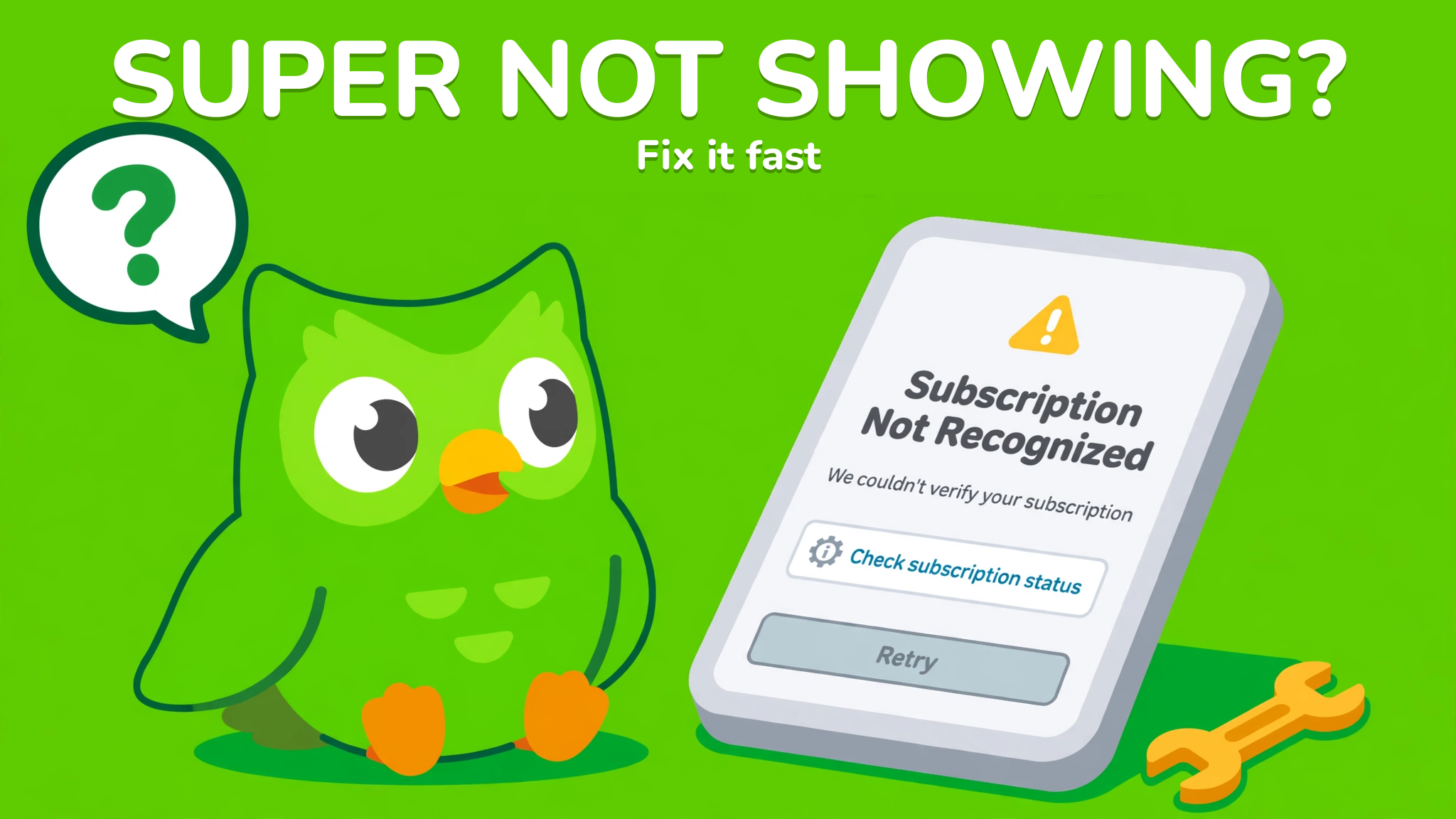
You paid for Super Duolingo, but the app still shows the free plan. Ads are back, your energy runs out, and the app keeps asking you to upgrade. This is a common problem, and in most cases the fix takes a few minutes. Do not buy Super again. That will not fix it, and you may end up paying twice.
The most common cause is the wrong account. You bought Super on one Duolingo account, Apple ID, or Google account, and you are signed in to a different one. The next most common causes are a payment that failed, a family plan problem, or the app needing a refresh. Work through the checks below in order, and stop as soon as your Super comes back.
Here is what we will cover:
- Quick checks that fix most cases
- The causes, and how to spot each one
- Fix it on iPhone
- Fix it on Android
- Fix it on the web
- Family plan problems
- Payment problems
- When to contact support
- FAQs
Quick Checks That Fix Most Cases
Try these first. They fix most subscription problems, and each one takes less than a minute.
1. Check you are on the right Duolingo account. Open the app, tap your profile, and check the username and email. If you have two Duolingo accounts, for example one with Google and one with Apple, or one with an email and one with Facebook, you may be signed in to the wrong one. Sign out and sign back in with the account you used to buy Super.
2. Restart the app. Close Duolingo fully and open it again. Subscription status can take a moment to sync after a purchase, and a restart forces a fresh check.
3. Restore purchases. In the app, go to Profile, then Settings, then look for Restore Purchases. Tap it. This tells the app to check your store account for an active Super subscription.
4. Update the app. An old version of Duolingo can fail to read a new subscription. Update it from the App Store or Google Play, then open it again.
5. Wait a little. After you pay, the subscription usually shows up right away, but it can take a while — some reports say up to 24 hours. If you paid less than a day ago and everything else checks out, wait and check again.
6. Check your internet. A weak connection can stop the app from verifying your plan. Switch to stable Wi-Fi or mobile data and try again.
If none of these works, the problem is one of the causes below. Find the one that matches your situation.
The Causes, and How to Spot Each One
| Cause | How to spot it | Fix |
|---|---|---|
| Wrong Duolingo account | The username or email in the app is not the one you bought with | Sign out and sign in with the buying account |
| Wrong store account | The subscription is under a different Apple ID or Google account | Switch to the store account that paid, then restore purchases |
| Payment failed or expired | Your card expired, was declined, or has too little money | Update the payment method in the store or on the web |
| Subscription ended | The store shows no active Duolingo subscription | The plan ended; buy Super again if you want it |
| Family plan problem | You were removed from the group, or the manager stopped paying | Ask the manager to re-invite you |
| Classroom account | Your account is still in a Duolingo classroom | Leave the classroom, then check your subscription |
| App cache or old version | The store shows an active plan but the app does not | Clear the cache, update, or reinstall the app |
Fix It on iPhone
If you bought Super on an iPhone, Apple holds the subscription, not Duolingo. Follow these steps in order.
1. Check the subscription in Apple Settings. Go to Settings, then your name, then Subscriptions. Find Duolingo. If it is there and active, Apple has your payment, and the problem is on the Duolingo side. If it is not there, you bought Super on a different Apple ID or on another platform.
2. Check the Apple ID. The subscription belongs to the Apple ID that paid for it. If you have two Apple IDs, sign in to the App Store with the one that bought Super, then open Duolingo and restore purchases.
3. Restore purchases in Duolingo. In the app, go to Profile, then Settings, then Restore Purchases. Make sure you are signed in to the Duolingo account that should have Super.
4. Reinstall if needed. Delete the app, restart your iPhone, install Duolingo again from the App Store, and sign in with the right account. Do not buy Super again inside the app. Deleting the app does not cancel a subscription, so your plan is safe.
Fix It on Android
If you bought Super on Android, Google Play holds the subscription.
1. Check the subscription in Google Play. Open Google Play, tap your profile icon, then Payments and subscriptions, then Subscriptions. Find Duolingo. If it is there and active, Google has your payment. If it is not there, you bought Super on a different Google account or on another platform.
2. Check the Google account. The subscription belongs to the Google account that paid for it. Switch to that account in Google Play, then open Duolingo and restore purchases.
3. Restore purchases in Duolingo. In the app, go to Profile, then Settings, then Restore Purchases.
4. Clear the app cache. Go to your phone Settings, then Apps, then Duolingo, then Storage, then Clear cache. Do not tap Clear data unless you are ready to sign in again. Then open Duolingo and check your plan.
5. Reinstall if needed. Uninstall Duolingo, restart your phone, install it again from Google Play, and sign in with the right account. Again, do not buy Super again.
Fix It on the Web
If you bought Super on duolingo.com, the subscription lives on the Duolingo website, not in a store.
1. Check your plan on the web. Sign in at duolingo.com, click your profile picture, then Settings, then Super Duolingo. This page shows your plan and your next billing date. If it shows Super as active here but not in the app, the app is out of sync. Sign out of the app and sign back in with the same account.
2. Check your email. Search for the Duolingo payment confirmation email. It shows the account email and the order details. If the email went to a different address than the one you are signed in with, you have found the problem: sign in with the email from the receipt.
3. Clear your browser cache. In your browser settings, clear the cache and cookies for duolingo.com, then sign in again. A stale cache can show an old free plan after you pay.
4. Try another browser or device. If the web still shows the free plan after clearing the cache, sign in on another browser or on the mobile app. This tells you whether the problem is your browser or your account.
Family Plan Problems
A Super Family plan covers up to 6 accounts. If your Super came from a family seat, the problem may be on the manager’s side, not yours.
- You were removed from the group. Only the manager can add members. Ask the manager to send you a new invite and accept it.
- The manager stopped paying. If the manager’s payment failed or the manager cancelled the plan, every seat drops back to free when the paid year ends. Only the manager can fix the payment.
- You had your own plan before. Duolingo does not let the manager invite someone who already has an active individual subscription. You must cancel your own plan and wait for it to end before you can join a family group.
- You joined with the wrong account. Accept the invite while signed in to the Duolingo account you actually use. If you accepted it on a second account, that account has the Super, not this one.
For the full family plan guide, see Duolingo Family Plan 2026: Cost, Setup and Benefits.
Payment Problems
If your renewal payment failed, Duolingo ends your Super when the paid period runs out. Check these things:
- Expired card. Update the card in Apple Settings, Google Play, or your Duolingo web settings, depending on where you subscribed.
- Declined card. Your bank may have blocked the charge or flagged it as unusual. Check your banking app, approve the charge, and try again. Do not keep retrying a declined card.
- Wrong billing details. The billing address must match the card. Fix it in the store or on the web.
- Too little money. Make sure the account has enough money for the charge, plus any fees.
A bank notification only shows that a charge was tried. It does not prove the subscription is active. Always check the subscription status in the store or on the Duolingo website. If the payment failed, update the payment method and buy Super again only after you confirm the old plan has ended. That way you do not pay twice for the same period.
Do not buy Super again to fix this. If your paid plan is not showing, a second purchase creates a second subscription, and Duolingo subscriptions are generally non-refundable. Find the original purchase first, then contact support if you cannot find it.
When to Contact Support
Contact Duolingo support if you have done all of the above and your Super still does not show. Before you write, gather these details:
- Your Duolingo username and the email on the account
- Where you bought Super: Apple, Google Play, or the Duolingo website
- The order number, receipt, or payment confirmation email
- The date and amount of the payment
- A screenshot of the app showing the free plan, and a screenshot of the store showing the active subscription
Send the request through the Duolingo Help Center at support.duolingo.com, and choose the purchase or subscription topic. For Apple purchases, refunds go through Apple, at reportaproblem.apple.com. For Google Play purchases, use the Play Store help pages. For web purchases, Duolingo support handles the refund review.
Do not share your password with anyone, including anyone who claims to be support in a chat or email. Real Duolingo support will never ask for it.
If you want to stop the plan instead of fixing it, see How to Cancel Super Duolingo. For the full price breakdown, see Does Duolingo Cost Money?
Frequently Asked Questions
I paid for Super Duolingo but the app shows the free version. Why?
The most common reason is that you are signed in to the wrong Duolingo account, Apple ID, or Google account. The next most common reasons are a failed renewal payment, a family plan problem, or the app needing a restart or a restore. Check the account first, then restore purchases.
How do I restore my Super Duolingo subscription?
In the app, go to Profile, then Settings, then Restore Purchases. Make sure you are signed in to the Duolingo account that bought Super, and to the same Apple ID or Google account that paid for it.
Why does Duolingo keep asking me to refill hearts if I paid?
Because the app does not see your Super plan. It is the same problem: the app is signed in to the wrong account, or the subscription has not synced yet. Sign out and back in, restore purchases, and check the store subscription. Do not pay for a heart refill.
How long does it take for a Super subscription to show up?
Usually right away, but it can take a while — some reports say up to 24 hours after you pay. If it has been more than a day and the store shows an active plan, work through the steps above.
Can I use Super on the web if I bought it in the app?
Yes. Super works on the app and on the web, as long as you sign in with the same Duolingo account. The one exception was Max, which could not be used on the web, but Duolingo stopped selling new Max subscriptions in November 2026.
Will deleting and reinstalling the app cancel my subscription?
No. Deleting the app does not cancel a subscription. Your plan stays active, and you get it back when you sign in again. To cancel, you must cancel where you subscribed: Apple, Google Play, or the Duolingo website.
Bottom line: a paid Super plan that does not show up is almost always a wrong-account problem. Check the account, check the store, restore purchases, and do not buy it again. If the store shows an active plan and the app still does not, contact Duolingo support with your receipt.