
Last updated: November 2026
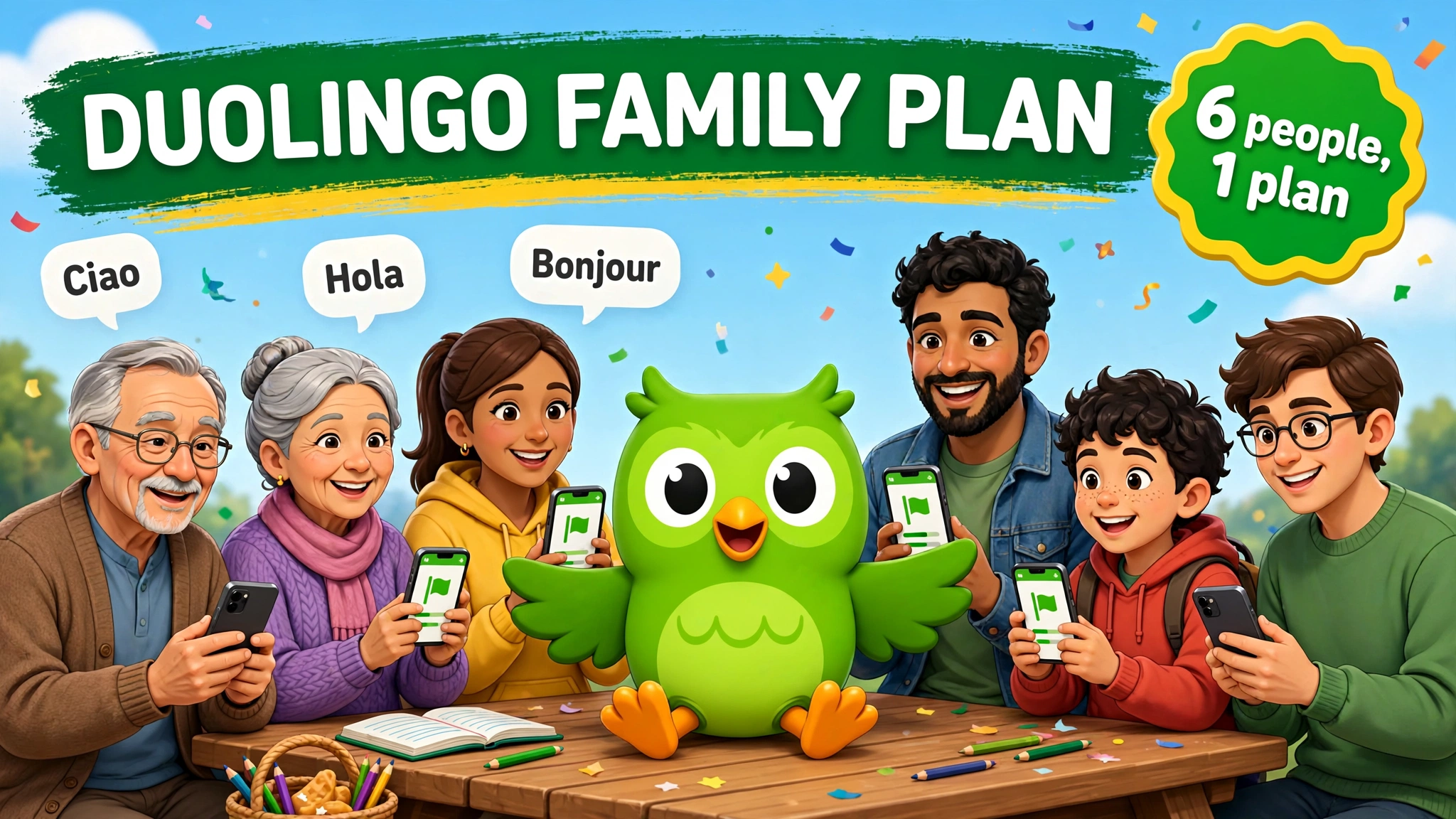
The Duolingo Family Plan lets 6 people share one Super Duolingo subscription. One person pays. Everyone gets full Super on their own account.
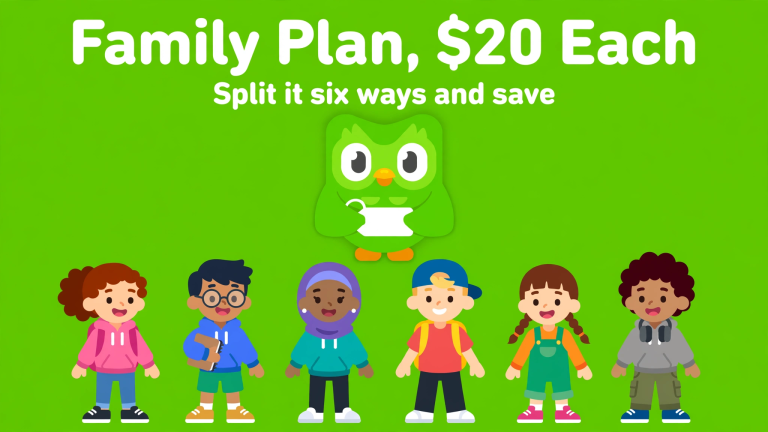
It is the cheapest way to get Super Duolingo if two or more people in your group want it. In the US, it usually costs $119.99 to $143.99 per year for all six people. That is about $20 to $24 per person per year.
This guide explains what the Family Plan is, what it costs, what each member gets, and how to set it up, add members, and remove members. It also covers the big November 2026 news: Duolingo is ending Max, and Super is getting even better.
Quick answer: The Family Plan is a Super Duolingo subscription for up to 6 people. The family manager pays one yearly fee. Each member keeps their own account, streak, XP, and progress. There is no monthly billing option — the Family Plan is annual only.
What Is the Duolingo Family Plan?
The Duolingo Family Plan — also called the Super Family Plan — is a shared Super Duolingo subscription for up to six people. It used to be linked to the old name “Duolingo Plus.” That name is gone. The premium plan is now called Super Duolingo, and the shared version is the Family Plan.
Here is how it works:
- One person subscribes and becomes the family manager. The manager pays the full yearly fee.
- The manager invites up to 5 more people. That makes 6 accounts in total.
- Each member uses their own Duolingo account. No one shares a login. Your streak, XP, courses, and progress stay yours.
- Each member picks their own language. One person can learn Spanish while another learns French.
- Members do not need to be family. You can invite friends, too. They can live anywhere, and they can learn any language.
The manager runs the plan from the Family Hub on the Super dashboard. That is where they add members, remove members, and see the group.
How Much Does the Duolingo Family Plan Cost?
In the US, the Family Plan usually costs $119.99 to $143.99 per year. Most reports show $119.99 per year. Some accounts were shown $143.99 per year in September 2026. Duolingo also runs short sales — for example, a 2026 Back to School offer cut the price to $119.99 for the first year.
Two things to know about the price:
- It is annual only. There is no monthly Family Plan. You pay once a year.
- The exact price can vary. Duolingo does not publish one fixed price list. The price you see can change by country, platform (iOS, Android, or web), and current offer. Always check the price in your own app before you pay.
For the full price breakdown, see our guide: How Much Does the Duolingo Family Plan Cost?
Family Plan vs Individual Super
| Plan | Price (US, 2026) | People | Cost per person |
|---|---|---|---|
| Super Duolingo (individual) | $12.99–$16.99 a month, or $83.99–$119.99 a year | 1 | $83.99–$119.99 a year |
| Super Family Plan | $119.99–$143.99 a year | Up to 6 | About $20–$24 a year (about $1.67–$2 a month) |
| Free Duolingo | $0 | 1 | $0 |
The math is simple. With six people on the $119.99 plan, each person pays about $20 a year. Even with just two people, the Family Plan costs about $60 each — less than one individual annual plan. So if two or more people want Super, the Family Plan is the better deal.
What Does Each Member Get?
Every member of the Family Plan gets full Super Duolingo. Nothing is shared or watered down. Each of the six accounts gets:
- No ads. Learn without interruptions.
- Unlimited hearts. Keep practicing after mistakes without waiting or refilling hearts.
- Offline lessons. Download lessons and learn without internet.
- Personalized practice and mistake review. Extra practice built from your weak spots. (The Practice Hub itself is free for all learners since February 2026.)
- Unlimited Legendary levels. Full access to the final level of each unit.
- Video Call (AI speaking practice). Unlimited Video Call is coming to all Super subscribers. New Super subscribers already get it, and Duolingo says every Super subscriber will have it by the end of 2026.
Important: the lessons are the same for free and paying users. Super removes limits and adds practice tools. It does not unlock extra courses.
Duolingo Max Is Ending — What It Means for Families
November 2026 update: Duolingo is sunsetting Duolingo Max, its top plan. In November 2026, it stopped selling new Max subscriptions. Existing individual Max subscribers will move to a Super Family plan at the same price — with the same features, plus the chance to share with five other people. Duolingo will decide what happens to legacy Max Family plans in 2027.
Why is Max ending? Its main feature was Video Call, the AI speaking practice. When Max launched, each Video Call cost Duolingo about $0.30 in AI costs. That cost has now dropped to well under $0.01 per call. So Duolingo can now give Video Call to all Super subscribers instead of keeping it in a separate top plan.
What this means for you:
- If you are buying now, buy Super Family. Max is no longer sold to new subscribers.
- If you have individual Max, you will move to Super Family at the same price, and you will be able to invite five people.
- If you have Max Family, nothing changes yet. Duolingo says it will address legacy Max Family plans in 2027.
How to Set Up the Duolingo Family Plan
Setup takes a few minutes. The person who pays becomes the family manager.
On the Duolingo app (iOS or Android)
- Open the Duolingo app.
- Tap the Super icon at the top of the home screen (or open the Shop tab).
- Tap the button to get Super.
- Select the Family Plan option.
- Confirm the purchase.
On the Duolingo website
- Log in to your Duolingo account at duolingo.com.
- Open your profile and go to the Super dashboard.
- Select the Family Plan option.
- Enter your payment details and confirm the purchase.
Once the payment goes through, you are the family manager. Now you can invite your members.
How to Add Members to the Family Plan
Only the family manager can invite members. The steps come from Duolingo’s own help page:
- Open the Duolingo app.
- Tap the Super icon at the top of the home screen.
- In the Family Plan section of the Super dashboard, tap the “+” icon, or tap Manage, then Add member.
- Choose how to send the invite: text message, WhatsApp, email, or another app.
- Confirm and send the invitation.
The invited person taps the link and accepts the invite. They can join with their existing Duolingo account or make a new one. Their progress and streak are not affected when they join.
If you share one device — for example, a parent adding a child — you can add the member directly on that device and skip the invite link. This is handy for kids who do not have their own phone.
How to Remove a Member from the Family Plan
Only the family manager can remove members. Here is how:
- Open the Duolingo app.
- Tap the Super icon at the top of the home screen.
- In the Family Plan section, tap Manage, then Edit.
- Tap the member’s name and confirm the removal.
The removed member loses Super when their access ends, but their account, progress, and streak stay safe. They go back to the free version of Duolingo. The manager can then invite someone else to fill the empty spot.
How to Upgrade from Individual Super to a Family Plan
Already paying for individual Super? You can upgrade to the Family Plan from the app or the website. The exact steps depend on where you first subscribed:
- iOS app: Super icon → Settings (gear icon) → Manage subscription → Change plan → select Family Plan → confirm with Apple. You are charged for the Family Plan right away, and Apple gives a prorated refund for the rest of your old plan. Your renewal date moves to the upgrade date.
- Android app: Super icon → Settings → Manage subscription → Change plan → select Family Plan → confirm with Google Play. You pay a prorated amount for the rest of your current billing period. Your renewal date stays the same.
- Web: More menu → Settings → Super Duolingo → Change plan → select Family Plan → confirm. You are charged right away, and a prorated refund is processed in 5–10 business days.
Two exceptions to know:
- Monthly Google Play subscribers cannot upgrade this way. If you pay monthly through Google Play, you will not see the upgrade option.
- If you cancelled auto-renewal but your Super plan has not expired yet, the upgrade option will not show. Go to your Profile, tap “Keep my Subscription,” reopen the app, and try again.
Family Plan Rules to Know
A few rules catch people by surprise. Here they are, in plain words:
- Invite anyone, anywhere. Members do not need to live with you or be related to you. Friends in other countries can join.
- You cannot invite someone with an active paid plan. If they already pay for Super or Max, they must cancel and wait for it to expire before they can join your plan.
- Do not sell plan spots. You cannot resell Family Plan slots for cash or anything of value. Duolingo can block new members or end plans where slots were resold.
- Kids under 13 get private profiles. Duolingo limits social features for users under 13, so their profiles are private. Send their invite by text or email.
- Only the manager can manage the plan. Members cannot add or remove other people. Only the person who pays can do that.
- Joining or leaving never hurts your progress. Your streak, XP, and lessons stay the same when you join a plan or leave one.
Is the Duolingo Family Plan Worth It?
For most groups, yes — if at least two people will use it.
- Two people: about $60 each per year, instead of $83.99–$119.99 each for individual annual Super. You save money from the second person on.
- Six people: about $20 each per year, or about $1.67 a month. That is the cheapest official way to get Super.
- One person only: do not buy the Family Plan. Get individual Super instead, or stay on the free plan.
The Family Plan is also worth it for the shared push. Learning with family or friends keeps you going. You can see each other’s progress in the Family Hub, cheer each other on, and keep your streaks alive together.
It is not worth it if your group will not actually use it. One person using Super while five spots sit empty costs the same as one individual annual plan — and you lose nothing by just buying individual Super instead.
Tips to Learn Together as a Family
Buying the plan is the easy part. Using it every day is the real work. These tips help:
- Set a group goal. Pick something clear, like a 30-day streak together or finishing one unit each week. A shared goal keeps everyone honest.
- Learn at the same time. Even 10 minutes a day at the same time — after dinner, for example — makes it a habit and gives you something to talk about.
- Cheer each other on. Celebrate streaks, finished units, and hard lessons. A short “well done” in the family chat goes a long way.
- Add a little friendly competition. Compare XP at the end of the week. A small race can push everyone to practice more.
- Practice out loud together. Take turns speaking the new language at home. Even a few sentences a day help more than silent tapping.
- Use Video Call when it arrives on your account. The AI speaking practice is now part of Super. Try it for real conversations, not just written lessons.
Frequently Asked Questions About the Duolingo Family Plan
How many people can join a Duolingo Family Plan?
Six people in total: the family manager plus five invited members. Each person gets their own account with full Super.
Can friends join, or only family?
Friends can join. There is no rule that members must be related or live together. You can invite anyone, in any place, learning any language.
Can children join the Family Plan?
Yes. Children can join, and users under 13 get private profiles because Duolingo limits social features for them. Send the invite by text or email, or add them directly on a shared device.
Does each member need to learn the same language?
No. Each member picks their own language and learns at their own pace. Your progress, streak, and XP are separate from everyone else’s.
Can I join a Family Plan if I already pay for Super?
Not right away. You must cancel your own subscription first and wait for it to expire. Then you can accept a Family Plan invite. Or you can upgrade your own individual plan to a Family Plan instead — see the upgrade steps above.
What happens if the family manager removes me?
You lose Super and go back to free Duolingo. Your account, streak, XP, and lesson progress stay safe. You can join another Family Plan or buy your own Super later.
Is there a free trial for the Family Plan?
Duolingo sometimes shows a free trial offer before you pay, but it is not always there. The offer depends on your account and platform. Check what your app shows at checkout — if no trial is offered, you pay the yearly price right away.
Can I cancel the Family Plan?
Yes. The family manager can cancel auto-renewal from the same place they manage the subscription (app store, Google Play, or Duolingo settings on web). The plan stays active until the end of the paid year, then it ends and all members go back to free Duolingo.
Is the Family Plan better than buying Super alone?
For two or more people, yes — it costs less per person than individual Super. For one person, no — buy individual Super or use the free version.
Final Thoughts
The Duolingo Family Plan is the best-value Super subscription Duolingo sells. One yearly payment of $119.99 to $143.99 gives six people full Super — no ads, unlimited hearts, offline lessons, and AI Video Call speaking practice.
It works best when your group will actually use it. Pick a manager, invite your five people, set a shared goal, and learn together. If only one person wants Super, stick with an individual plan.
And if you are a Max subscriber, keep an eye on the change: Max is ending, and your move to a Super Family plan is already part of Duolingo’s plan for late 2026.




2 Comments