
Last updated: November 2026
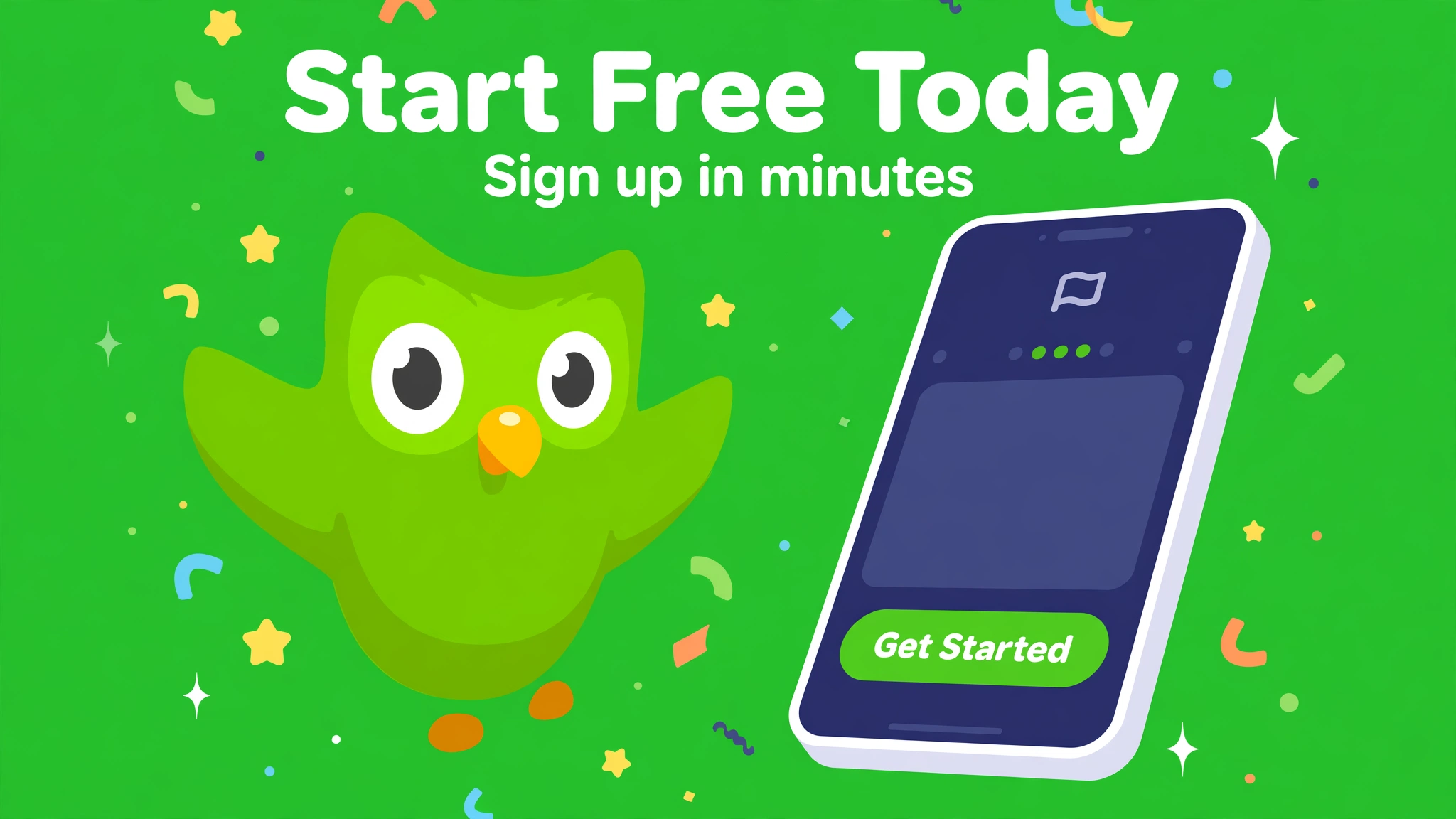
Short answer: creating a free Duolingo account takes about 2 minutes. You need only an email address or a Google, Facebook, or Apple account. Pick a language, set a daily goal, and you can start your first lesson right away. The free account includes full access to all language courses, and your progress syncs across every device you sign in on.
This guide walks through the Duolingo sign up process on the website and in the mobile app, explains what the free account includes, corrects the Super prices you may have seen elsewhere, and answers the common questions new users ask.
How to Sign Up on the Website
The fastest way to sign up is through the Duolingo website. Follow these steps:
- Visit duolingo.com.
- Click the “Get Started” button.
- Pick the language you want to learn.
- Enter your email address, or choose a social login with Google, Facebook, or Apple ID.
- Create a password, if you signed up with email.
- Set your daily learning goal.
Website sign up takes less than 5 minutes. You get instant access to all free language courses, and you can confirm your email address afterwards to protect the account.
How to Sign Up in the Mobile App
If you prefer learning on your phone, sign up in the app instead:
- Download Duolingo from the App Store or Google Play.
- Open the app and tap “Get Started”.
- Choose your language.
- Select your learning goals.
- Create an account with email or a social login.
The mobile app offers the same courses as the website. Your progress syncs across all devices automatically, so a lesson finished on your phone shows up on your computer too.
Sign Up With Google, Facebook, or Apple ID
You can speed up sign up by connecting with Google, Facebook, or Apple ID. These options remove the need to create a new password, and your social account keeps your Duolingo profile secure. If you use one of these options, make sure you remember which one you used, because signing in later with a different method creates a separate account.
Free vs Super Duolingo in 2026
The free account is a complete way to learn. Super is the only paid plan, and it removes limits and ads. Here is how they compare.
| Feature | Free | Super |
|---|---|---|
| All language courses | Yes | Yes |
| Ads | Yes, ad-supported | No ads |
| Mistakes limit | 5 hearts on the web. Most mobile accounts use a 25-point Energy system instead of hearts. | Unlimited mistakes and unlimited Energy on mobile |
| Offline lessons | No | Yes |
| Mistake review and progress quizzes | Limited | Yes |
| Price | Free | About $12.99 to $13.99 a month, or about $83.99 to $119.99 a year |
Note the prices carefully, because older articles get them wrong. Super does not cost $59.99 a year. The observed US range is about $12.99 to $13.99 a month, or about $83.99 to $119.99 a year. Duolingo publishes no price list, so the exact price you see depends on your country, your platform, and any promotion running at the time. You will see the binding price before you pay.
Super Family costs about $119.99 to $143.99 a year for up to 6 members. Super used to be called Duolingo Plus, until the rename in June 2022. Any article that still calls the paid plan Plus is out of date.
Max, the old AI tier above Super, was sunset in November 2026 and is no longer for sale. Super is the only paid plan you can buy. Video Call, one of the old Max features, is moving to all Super users by the end of 2026.
Choosing Your Language and Daily Goal
After sign up, pick from 40+ languages, including Spanish, French, German, Japanese, Korean, and Italian. You can learn multiple languages at the same time with one account, and each course tracks its progress separately.
Set a daily goal you can actually keep. Duolingo offers four levels:
| Daily goal | Time per day | Best for |
|---|---|---|
| Casual | 5 minutes | Trying out a language |
| Regular | 10 minutes | Steady daily habit |
| Serious | 15 minutes | Faster progress |
| Intense | 20 minutes | Serious learners |
You can change your goal at any time in settings. A small goal you keep is worth more than a big goal you quit after a week. To add another language later, see our guide on how to add a language on Duolingo.
Placement Test: Skip What You Already Know
New users do not have to start as beginners. Duolingo offers a placement test that checks what you already know and places you further along the course. Take it if you have studied the language before. If you are a true beginner, skip the test and start from the first lesson.
Age Requirements
Duolingo welcomes users aged 13 and older. Younger learners need a parent to create and manage the account. Schools and classroom groups use Duolingo for Schools accounts, which are set up by teachers.
What You Get After Sign Up
Once your account is ready, Duolingo tracks your learning with XP points, streak counts, achievement badges, and level progression. Daily reminders and streak notifications help you keep the habit, and you can turn them off in notification settings.
Your progress saves automatically between devices. You can learn on a smartphone, a tablet, or a computer, and pick up exactly where you left off.
Two features that older guides mention no longer exist. The community discussion forums closed in March 2022, so there is no forum to join after sign up. “Skill strength”, the old meter that showed how strong each skill was, was also removed. Progress is now shown through your path, XP, leagues, and streak.
Tips for New Users
- Keep your streak alive. Practice every day, even if it is only one short lesson. Streak freezes can save a missed day, so keep one in reserve.
- Set reminders. Pick a practice time that fits your day and let the app remind you.
- Do not rush. Short daily sessions beat long irregular ones. Review old lessons as well as starting new ones.
- Use the free version first. Learn what the app feels like before paying. Upgrade to Super only if ads or the Energy limit actually bother you.
- Try a friend challenge. Friend quests and leagues add a gentle push, and they make the daily habit easier to keep.
Account Recovery and Privacy
If you lose access to your account, recover it through email verification or a password reset. If you signed up with Google, Facebook, or Apple ID, sign back in with the same method. In profile settings you can update your personal information, control who can see your profile, adjust privacy, and manage or block other users.
Duolingo has no phone support and no general support email. If you need help with your account, the only official routes are support.duolingo.com and the Help section inside the app. Our guide on how to contact Duolingo explains both.
Frequently Asked Questions
Is Duolingo sign up free?
Yes. Creating an account and learning with the free version costs nothing. Super is optional and paid.
How long does sign up take?
About 2 minutes in the app, and under 5 minutes on the website.
Do I need an email address to sign up?
You need either an email address or a Google, Facebook, or Apple account. One of those is required to create and recover the account.
How much does Super cost in 2026?
About $12.99 to $13.99 a month, or about $83.99 to $119.99 a year. Super Family is about $119.99 to $143.99 a year for up to 6 members. The exact price depends on your country and platform.
Can I learn more than one language?
Yes. One account can hold several language courses at the same time, each with its own progress.
What is the minimum age for Duolingo?
13 years old. Younger users need a parent to set up the account.
Does my progress sync between phone and computer?
Yes. Progress saves automatically and syncs across every device signed in to the same account.
What happened to the Duolingo forums?
The community forums closed in March 2022. There is no forum in the app now. Learners connect through friends, leagues, and quests instead.
The Bottom Line
Duolingo sign up is free, fast, and simple. Go to duolingo.com or download the app, pick a language, sign in with email or a social account, and set a daily goal you can keep. The free account gives you full access to all courses, and Super is there only if you want no ads and unlimited mistakes. Start with the free version, build a short daily habit, and let consistency do the work. If you want a fuller picture of the platform before you start, read our guide on what Duolingo is.