
Last updated: November 2026
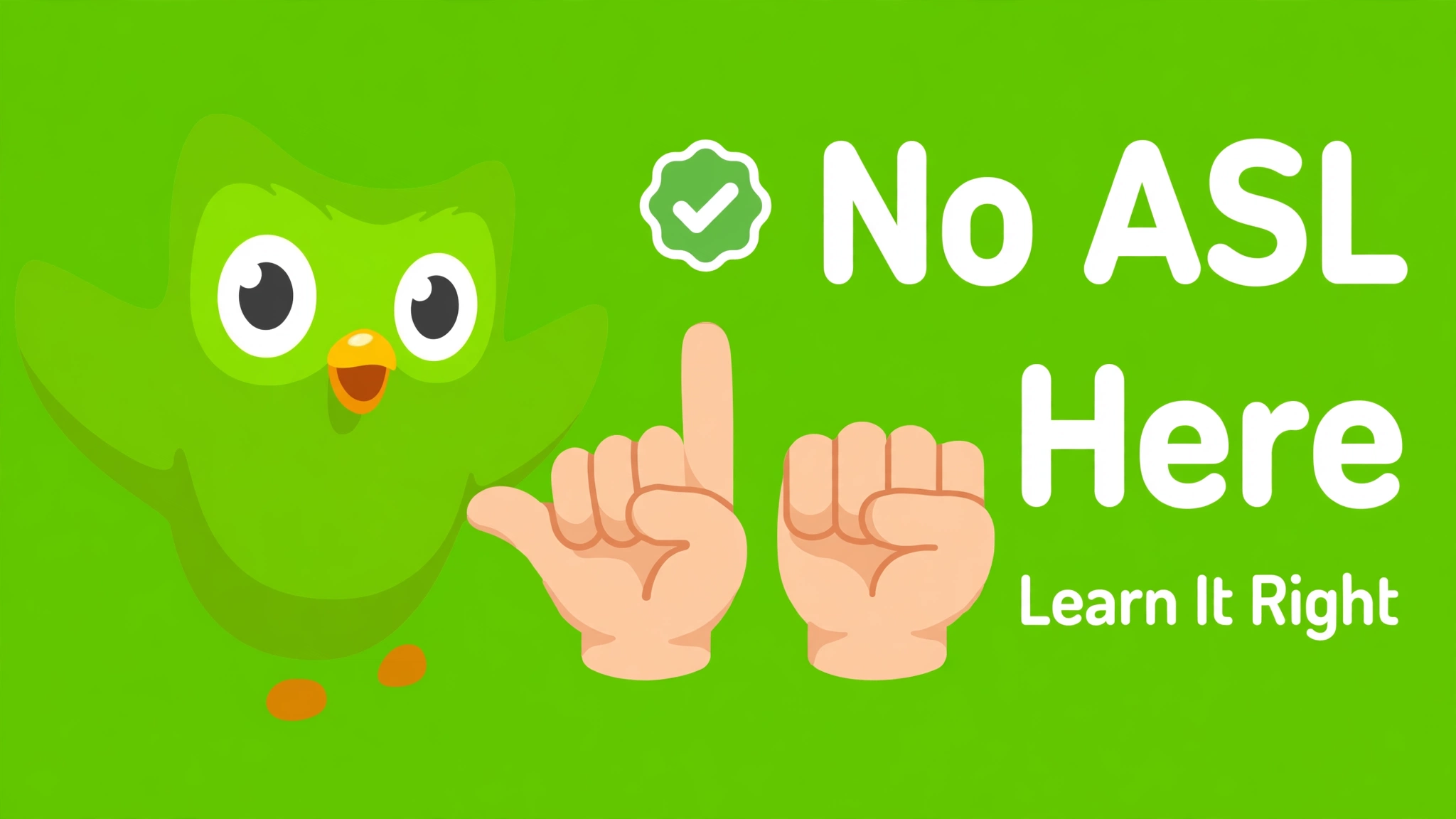
Short answer: No. Duolingo does not offer American Sign Language, and it does not offer any sign language at all. You cannot learn ASL on Duolingo, and there is no ASL course hidden in the app. This guide explains why, clears up a misleading advert you may have seen, and shows you the best real ways to learn ASL in 2026, including free options.
Does Duolingo Have ASL?
No. As of November 2026, Duolingo has no American Sign Language course, no British Sign Language course, and no sign language course from any base language. Every course in Duolingo’s catalogue teaches a spoken or written language, plus its newer math, music, and chess courses. ASL is not one of them.
Duolingo has not announced an ASL course or a timeline for one, even though learners have asked for it for years. Do not wait for Duolingo to add it. Start with a dedicated ASL resource instead.
Why Does Duolingo Not Teach ASL?
The reason is built into how Duolingo works. Duolingo’s lessons are designed around reading, typing, listening, and speaking. ASL is a visual language: handshape, movement, location, and facial expression all carry meaning at the same time. Teaching that well needs high-quality video of real signers and feedback on your physical signing, which goes beyond Duolingo’s current course format.
A Duolingo team member explained in February 2026 that the platform is designed around reading, writing, listening, and typing, and that teaching sign languages well would need video and feedback on physical signing. That is a fair point, and it is why the best ASL apps are built around video first, not text first.
ASL is also a full, natural language with its own grammar, not signed English and not a code for English words. Learning it properly means watching Deaf signers, copying their movements, and practising with real people. An app that only shows you pictures and asks you to tap answers cannot do that job.
Beware the Duolingo Sign Language Advert
You may have seen a polished video advert showing Duolingo adding ASL, BSL, and French Sign Language, with the tagline “Spread Your Wings” and a camera exercise that checks your signing. That video is real, but it is not a Duolingo product launch.
It was a student entry for the D and AD New Blood Awards 2026, a design competition. It is a concept, not a real feature, and the courses it shows do not exist in the Duolingo app. If you saw that video and went looking for ASL on Duolingo, you were misled by an advert for an idea, not by a real update. Duolingo itself has not launched sign language courses.
The Best Alternatives to Duolingo for Learning ASL
Good ASL apps do exist, and the best ones are made by or with Deaf teachers. Here is how the main options compare. Prices are approximate and were checked in October 2026, so confirm the current price before you pay.
| App or resource | Best for | Price (approx.) | Free option |
|---|---|---|---|
| Lingvano | Most learners: 600 plus video lessons from Deaf teachers, dialogues, fingerspelling practice, dictionary, and sign recognition | About $17.99 a month, $47.99 a quarter, or $119.99 a year | Free to download; first lessons free, then Premium |
| Lifeprint (ASL University) | A complete free self-study course by Dr. Bill Vicars, running since 1997: vocabulary, grammar, fingerspelling, numbers, culture, and a dictionary | Free | Yes, fully free |
| SignSchool | Free structured video lessons with interactive exercises and a dictionary | Free | Yes, free |
| Start ASL | A full structured course from ASL 1 through ASL 4, plus live tutoring with Deaf tutors | Courses vary; tutoring reported at about $13 to $25 per 30 minutes | Some free content; full course paid |
| The ASL App | Everyday conversational signs and phrases, with slow-motion video and saved signs | Free packs included; about $0.99 per extra pack or $9.99 for everything | Yes, free packs |
| ASL Bloom | A Duolingo-style structured course for ASL, with modules, quizzes, and a dictionary | About $18.99 a month, $47.99 for 3 months, or $98.99 a year | Free version with dictionary and 3 basic modules |
| Intersign ASL | A free start for beginners before paying for anything | Core lessons free | Yes, core lessons free |
Lingvano: The Best All-Round App
For most beginners, Lingvano is the best place to start. It has more than 600 bite-sized video lessons taught by Deaf teachers, dialogues between Deaf people, fingerspelling practice, flashcards, a dictionary, and sign recognition that checks your fingerspelling. It is the most reviewed sign language app, with a 4.9-star rating from over 119,000 ratings in the US App Store. The catch is price: at about $119.99 a year it costs more than most apps here, and the free part is only a sample. Try the free lessons first and decide whether the style suits you before you pay.
Lifeprint: The Best Free Course
If you want to pay nothing, Lifeprint is the answer. It is a free online ASL course by Dr. Bill Vicars, running since 1997, with lessons on vocabulary, grammar, fingerspelling, numbers, and Deaf culture, plus a free video dictionary and a YouTube channel. It is a self-study course, so you need discipline, but the content is deep and completely free. It is also a good reference to check signs you learn elsewhere.
SignSchool and The ASL App: Free and Practical
SignSchool offers free video-based lessons with interactive exercises and a dictionary, on app or desktop. The ASL App focuses on conversational phrases people actually use, with 2,500 plus signs, slow-motion video, and the ability to save signs. A one-time purchase of about $9.99 opens its best content, which keeps the total cost low.
Start ASL: The Most Complete Structured Course
Start ASL gives you one continuous curriculum from ASL 1 through ASL 4, which suits learners who want a clear path from beginner to intermediate. It also offers live tutoring with Deaf tutors, reported at about $13 to $25 per 30 minutes. That human feedback is the closest thing to a classroom, and it is what apps alone cannot give you.
How to Learn ASL: A Practical Plan
ASL is a visual language, so your plan should be built around watching, copying, and signing with people, not around reading about signs.
- Learn the alphabet and numbers first. Fingerspelling is the foundation. Practise until you can fingerspell your name smoothly, then build speed.
- Learn everyday signs next. Greetings, introductions, family, food, time, and common questions come first. Do not start with rare vocabulary you will never use.
- Copy real signers on video. Watch each sign, copy the handshape, movement, location, and facial expression together. Facial expression is grammar in ASL, not decoration.
- Practise in short daily sessions. Ten to fifteen minutes a day beats a long session once a week. Your hands and your memory both need regular practice.
- Use a dictionary to check signs. Lifeprint’s dictionary and the ASL App are good for checking a sign you are unsure about.
- Sign with real people as soon as you can. Join a local Deaf community event, an ASL meetup, or a language exchange partner online. Apps teach you signs, but only people teach you conversation.
- Learn Deaf culture, not just signs. ASL belongs to the Deaf community. Learning about Deaf culture, etiquette, and history is part of learning the language properly.
What About Babbel, Rosetta Stone, and Memrise?
Babbel does not offer ASL. Rosetta Stone does not offer ASL either. Memrise has some user-made ASL content, but it is not a structured ASL course. If a big language app claims to teach ASL, check carefully: it is usually a small set of signs, not a course. For ASL, use an app that was built for sign language first.
Can You Still Use Duolingo While Learning ASL?
Duolingo cannot teach you ASL, but it can still be useful in one narrow way: if you want to learn a spoken language alongside ASL, Duolingo is a fine tool for that. Some learners study ASL and Spanish together, for example. Just keep the two separate in your mind. Your ASL study belongs in Lingvano, Lifeprint, or SignSchool, not in Duolingo.
Will Duolingo Add ASL?
Nobody knows. Duolingo has not announced a sign language course, and as of November 2026 there is no sign language in its course list. Learners have asked for years, and the D and AD student advert shows how much demand there is, but demand alone has not produced a course. If you want to learn ASL, start now with a dedicated resource. If Duolingo ever adds ASL, you will already know the basics.
Frequently Asked Questions
Does Duolingo have ASL?
No. Duolingo does not offer American Sign Language or any other sign language as of November 2026.
Can I learn ASL on Duolingo?
No. There is no ASL course in the Duolingo app, and no way to add one. Use a dedicated ASL app like Lingvano or a free course like Lifeprint instead.
Does Duolingo have British Sign Language (BSL)?
No. There is no BSL course on Duolingo either, and the same is true for every other national sign language.
What is the best free way to learn ASL?
Lifeprint is the best free option: a complete course with lessons, a dictionary, and videos, all free. SignSchool is also free, and Intersign ASL offers free core lessons. For a free app with a Duolingo-like feel, try ASL Bloom’s free version.
What is the best app to learn ASL?
For most beginners, Lingvano is the best all-round app, with over 600 video lessons from Deaf teachers. It costs about $119.99 a year. If you want to pay nothing, start with Lifeprint and SignSchool.
How long does it take to learn ASL?
It depends on your goal and how much you practise. Basic conversation takes months of regular practice, and fluency takes years, like any language. Daily practice and signing with real people speed things up far more than any app alone.
Is ASL hard to learn?
ASL is challenging in a different way from spoken languages. You must learn handshapes, movement, facial expressions, and a grammar that works in space rather than in word order. But it is very learnable, and many learners find it rewarding because it is so visual and expressive.