

Last updated: November 2026
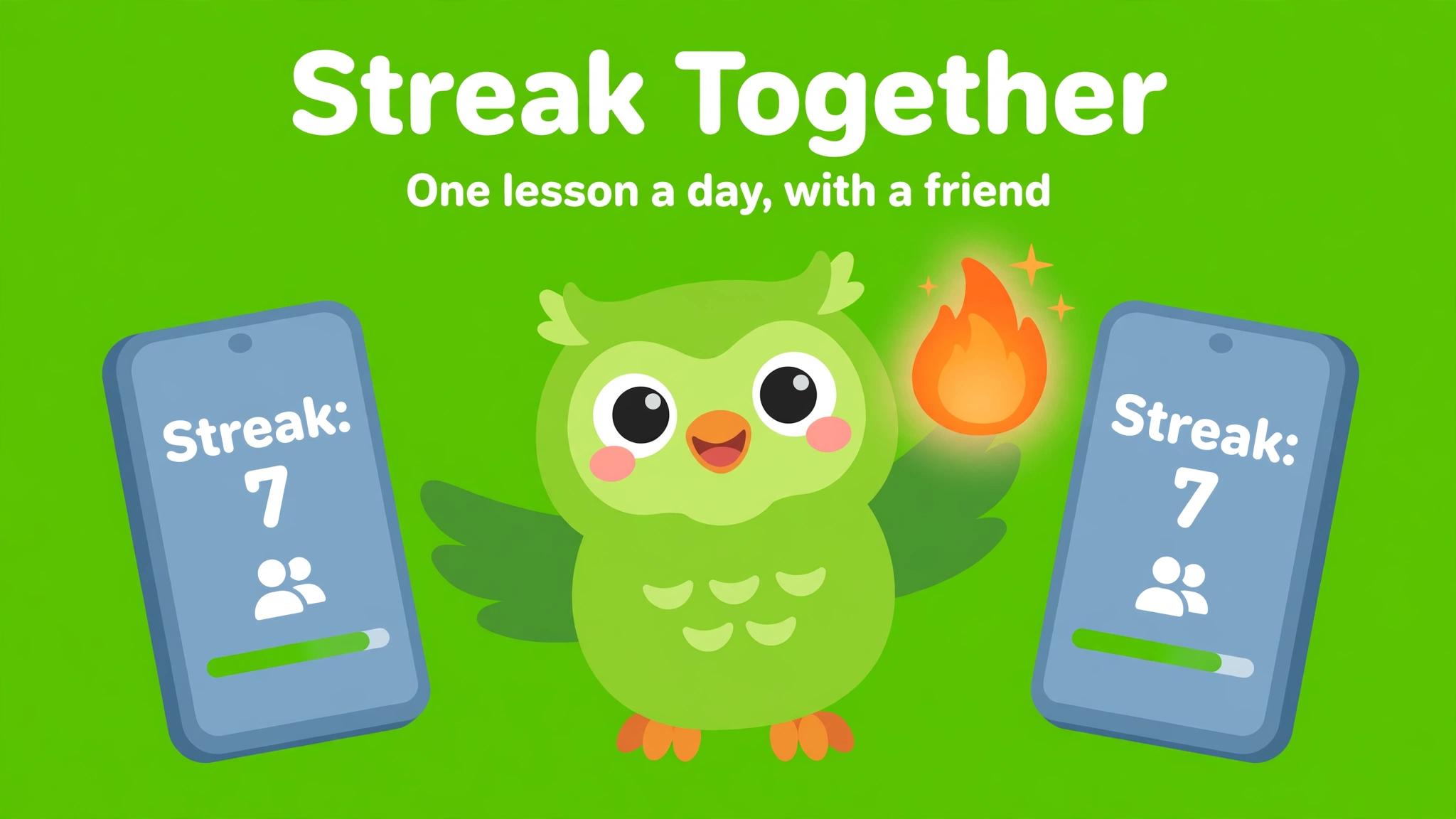
A Friend Streak on Duolingo is a shared streak between you and a friend. You both do one lesson a day, and the shared streak grows by one day each time you both finish. It is the simplest way to turn a solo habit into a promise you keep together.
Duolingo launched Friend Streak in August 2024. Since then it has become one of the strongest motivators in the app. Duolingo says learners with at least one shared streak are 22% more likely to complete their daily lesson, and that likelihood rises the more Friend Streaks they have.
How to start a Friend Streak in short: follow each other on Duolingo, tap the flame icon on your home screen, open the Friends tab, send an invite, and wait for your friend to accept. Then both of you complete one lesson every day. That is the whole rule.
Here is what we will cover:
- What a Friend Streak is
- The rules at a glance
- How to start a Friend Streak, step by step
- How to check your Friend Streak status
- How to nudge a friend who has not practised yet
- What happens if one friend misses a day
- Tips to keep a Friend Streak alive for months
- FAQs
What Is a Friend Streak on Duolingo?
A Friend Streak is a separate streak you share with one friend. It is different from your personal streak. Your personal streak counts the days you practise. A Friend Streak counts the days both of you practise.
You can share a streak with up to five friends, and you keep a separate streak with each of them. So you could have a 30-day streak with one friend and a 7-day streak with another, at the same time. Each one moves on its own.
The idea is simple. A promise to yourself is easy to break. A promise to a friend is harder to break. When your friend is counting on you, you open the app even on a busy day. That is why shared streaks work so well. Duolingo found that nearly 8 million learners already hold a personal streak of 365 days or more, and the social version pushes even casual learners to show up daily.
A Friend Streak costs nothing extra. It works on the free plan, and you do not need Super to use it. One lesson a day is enough. It does not matter how much XP you earn or how long the lesson is.
Friend Streak Rules at a Glance
Before you send an invite, know the rules. They are short, but every one of them matters.
| Rule | What it means |
|---|---|
| Maximum friends | Up to 5 Friend Streaks at a time, one per friend |
| Who you can invite | Only friends who follow you back on Duolingo |
| How it starts | Your friend must accept the invite. Nothing starts until they do |
| Daily requirement | Both of you complete at least one lesson every day |
| How it grows | Plus one day for each day you both finish a lesson |
| If one person misses a day | The shared streak breaks and goes back to zero |
| Cost | Free. No Super or paid plan needed |
| Where to find it | Tap the flame icon at the top of the home screen, then the Friends tab |
How to Start a Friend Streak on Duolingo
Starting a Friend Streak takes less than a minute once you are already friends in the app. Follow these steps.
Step 1: Become friends first
You can only start a Friend Streak with someone who follows you back. If you have not connected yet, find your friend first. Open the app, go to your Profile, tap Following, and search for your friend by username. You can also connect through your contacts or invite a friend from outside the app. Send a follow request and wait for them to follow you back.
If you cannot follow someone at all, check two things. Your email must be verified, and your profile must be public. A private profile blocks following, and accounts under 13 cannot follow others or be followed.
Step 2: Open the streak screen
On the home screen, tap the flame icon at the top. This opens your streak status page, the same place you check your personal streak. Tap the Friends tab at the top of that page. You will see your current Friend Streaks, pending invites, and an option to invite a friend.
Step 3: Send the invite
Tap Invite a friend and pick the friend from your list. Your friend gets a notification with your invite. On some versions of the app, you may first need to switch the feature on in Settings, under Preferences, where you will find a Friend Streak toggle. If you do not see the option at all, update the app to the latest version first, because the layout of this screen changes as Duolingo updates the app.
Step 4: Wait for your friend to accept
The streak does not start when you send the invite. It starts when your friend accepts it. Until then the invite sits as pending. If your friend ignores it, nothing happens. No streak is created, and nothing is lost.
Step 5: Do one lesson each, every day
Once the invite is accepted, the shared streak begins. From that day on, both of you need to complete at least one lesson before midnight. Do that, and the streak grows by one. Miss it, and it breaks. Your personal streak and your Friend Streaks run side by side, so one daily lesson keeps all of them alive at once.
How to Check Your Friend Streak Status
Tap the flame icon at the top of the home screen, then open the Friends tab. You will see every friend you share a streak with, the number of days for each streak, and who has already done their lesson today.
Friends who have not done their lesson yet are easy to spot. Their streak shows as waiting, and Duolingo gives you the option to remind them. This is the screen to check each evening if you want to catch a missed day before midnight.
How to Nudge a Friend Who Has Not Practised Yet
If you have done your lesson and your friend has not, you can send them a nudge. It is a short reminder that lands as a notification on their phone.
Here is how to send one:
- Open the Duolingo app and tap the flame icon on the home screen.
- Go to the Friends tab.
- Find the friend who has not done their lesson yet and tap their name.
- Pick one of the reminder animations and send it.
Your friend gets a playful message, such as a note that a real friend honours their Friend Streak. A nudge is a reminder only. It does not complete the lesson for them. Your friend still has to open the app and do the lesson before the day ends.
Nudge early in the evening, not at 11:55 pm. A reminder only helps if your friend still has time to act on it.
What Happens If One Friend Misses a Day?
This is the part most people ask about, so here it is plainly. If either of you misses a day, the shared streak breaks. It goes back to zero for both of you, even if the other person did their lesson. That is the deal you both signed up for, and it is also what makes the streak feel meaningful.
When a Friend Streak breaks, the friend is removed from your Friend Streak list. Your personal streak is a separate thing. Missing a shared day does not by itself erase your personal streak, as long as your own daily lesson is done or protected.
| What happened | What it means for your Friend Streak |
|---|---|
| Both did a lesson | Streak grows by one day |
| One of you missed a day | Streak breaks and resets to zero for both |
| You had a Streak Freeze equipped | Your personal streak is protected. Duolingo has not confirmed that a freeze also saves a shared Friend Streak, so do not count on it |
| Streak already broken | Start again from zero. Reports say you may need to unfollow and follow the friend again before a new invite works |
| Friend ignores the invite | No streak is created. Nothing is lost |
Do not rely on a Streak Freeze to save a Friend Streak. A Streak Freeze protects your own personal streak when you miss a day. Duolingo has not said that it protects a shared streak too. Keep a freeze equipped anyway, because it protects your personal streak, but treat the Friend Streak as unprotected. The only safe plan is to do the lesson every day.
If a streak breaks, do not let it end the habit. Start a new one the next day. The first week is the hardest part, and a broken streak is not a failed friendship. It is just a reset. Many learners say their second streak lasts longer than their first, because they learned where the weak spot was.
Tips to Keep a Friend Streak Alive for Months
Starting a Friend Streak is easy. Keeping one for 30, 100, or 365 days takes a small system. These tips come from how the feature actually works.
Pick the right partner. Choose a friend who already practises most days, not someone you have to chase. A streak with a reliable partner lasts far longer than one with an enthusiastic beginner who fades in week two.
Agree on a daily time. A fixed slot, such as after breakfast or before bed, beats random reminders. When both of you practise at roughly the same time, neither of you is left waiting at midnight.
Do the lesson early. Mornings are safer than nights. A lesson done at 9 am can never be lost to a late meeting, a dead phone battery, or a forgotten evening.
Keep your Streak Freezes full. You can hold up to two freezes at a time. They protect your personal streak if life gets in the way, and they are used automatically on a missed day. Buy or earn them before you need them, because you cannot buy one after the day is already missed.
Nudge kindly, not daily. A nudge is a friendly push, not a scolding. One reminder in the evening is enough. If you nudge every day, it starts to feel like pressure, and pressure kills the fun.
Start small, then add friends. Begin with one Friend Streak. Once it survives a month, add a second. Duolingo says the motivation effect grows with each shared streak, but only if you can actually keep them all alive.
Have a bad-day plan. Agree in advance what happens on a terrible day. A two-minute practice session still counts as a lesson. On the worst days, a short review lesson keeps the streak alive without a full study session.
Want to celebrate the wins along the way? When your friend hits a milestone, you can cheer them on in the app. See our guide on how to congratulate friends on Duolingo for the built-in reactions and message ideas.
FAQs
What is a Friend Streak on Duolingo?
A Friend Streak is a shared streak between you and one friend. You keep a separate streak with each friend, up to five friends at a time. Both of you must complete one lesson every day to keep it alive.
How do I start a Friend Streak on Duolingo?
Tap the flame icon on the home screen, open the Friends tab, and send an invite to a friend who follows you back. The streak starts only when your friend accepts the invite.
How many Friend Streaks can I have?
Up to five at a time, one per friend. Each streak is separate and has its own day count.
What happens if my friend misses a day?
The shared streak breaks and resets to zero for both of you. Your personal streak is separate and is not erased by a missed shared day, as long as your own lesson is done or protected by a Streak Freeze.
Does a Streak Freeze protect a Friend Streak?
Duolingo has not confirmed that a Streak Freeze saves a shared Friend Streak. A freeze protects your personal streak. Do not count on it to save a Friend Streak, and treat the daily lesson as the only reliable protection.
Can I restart a Friend Streak after it breaks?
Yes. Send a new invite and start again from day one. Reports from users say that after a break you may need to unfollow and follow the friend again before a new invite works, though Duolingo has not published this as an official step.
Is a Friend Streak free?
Yes. Friend Streaks work on the free plan. You do not need Super or any paid plan to start or keep one.
Why can I not find the Friend Streak option?
Update the app to the latest version first. The feature sits behind the flame icon on the home screen, under the Friends tab. On some versions you may also need to switch it on in Settings, under Preferences. Duolingo changes this screen from time to time, so the exact layout can differ between versions and devices.
A Friend Streak is a small daily promise with a big payoff. One lesson a day, shared with a friend, is often the habit that finally sticks. Send the invite today, and let the streak do the reminding for you.






One Comment