
Last updated: November 2026
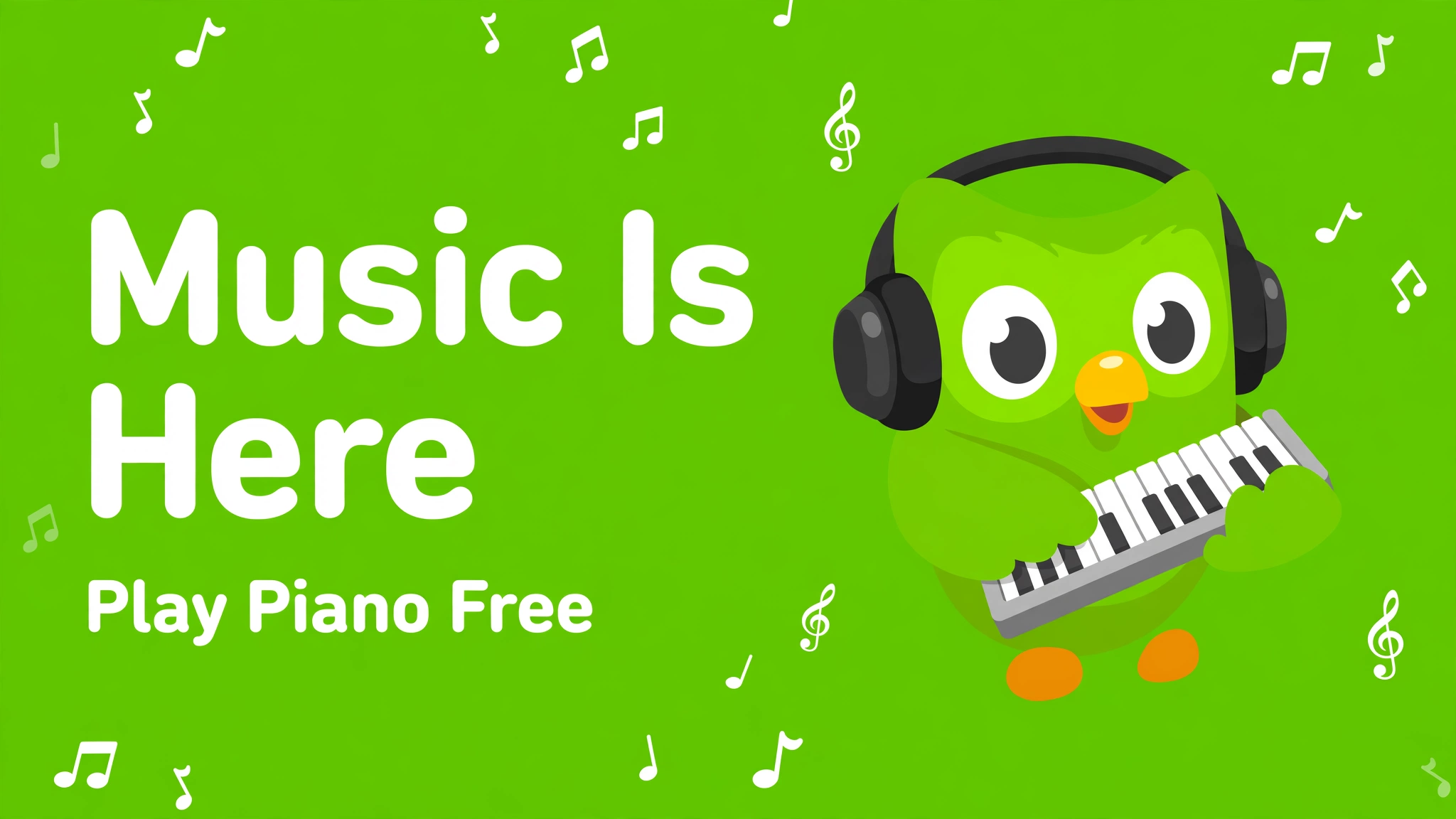
Yes. Duolingo Music is available now, and it has been for a long time. It launched on October 11, 2023, for iOS users, rolled out to all iOS learners in early 2024, and came to Android in October 2024. If you open the Duolingo app today and add Music as a course, you can start learning right away. There is no waitlist anymore, and you do not need to be invited.
If you found an old article saying Duolingo Music was “coming soon” or “expected by the end of 2024,” that information is out of date. This guide gives you the current picture: where Music is available, what devices it works on, what you actually learn, and what it costs.
If you want step-by-step instructions for starting Music, read our guide on how to get Duolingo Music.
Is Duolingo Music Available Now?
Yes. Duolingo Music is fully launched and available inside the main Duolingo app. It is not a separate app you need to download, and it is not in beta anymore. It sits next to language courses in the course menu, and you can switch between a language course and Music whenever you like.
Music is available on iOS and Android. On the web, the course also appears as an option when you add a new course on duolingo.com, though the main experience is on mobile. Availability can still vary a little by region and by the language your app is set to, so if you do not see it, update the app first and then check the course menu again.
When Did Duolingo Music Launch?
Duolingo Music had a gradual rollout, which is why old articles give different dates. Here is the timeline as it actually happened:
| Date | What Happened |
|---|---|
| October 11, 2023 | Duolingo Music launches for some iOS learners in English and Spanish, starting with 36 units. |
| November 2023 | More iOS learners get access, and the course grows to 69 units. |
| January to February 2024 | All iOS learners have access to Duolingo Music. |
| August to October 2024 | Music starts reaching Android users, with a wider Android rollout in October 2024. |
| February 2025 | The course is reorganized and expanded to 274 units, with pop songs added and bass clef content removed. |
| March 2025 | Music is reported to be available to learners in all app languages except Arabic. |
The key point is simple: the launch is over. Music is not something Duolingo is “about to release.” It is a live course with hundreds of units that has been running for more than three years.
Where Is Duolingo Music Available?
Duolingo Music is available in most countries where Duolingo itself is available, on both iOS and Android. The course first launched in English and Spanish, and it has since expanded to most of the languages the Duolingo app supports. As of early 2025, the one reported exception was Arabic: learners with the app set to Arabic were reported not to have Music yet. We could not verify whether that gap has closed since then, so if your app is set to Arabic and you do not see Music, try switching the app language to English and checking again.
| Platform | Availability |
|---|---|
| iOS (iPhone and iPad) | Available since October 2023. All iOS learners had access by early 2024. |
| Android | Available since October 2024, after a limited rollout starting in August 2024. |
| Web (duolingo.com) | Music appears as a course option on the website, but the full experience is on mobile. |
| Languages | First English and Spanish, now most app languages. Arabic was reported as not yet supported in early 2025. |
What Do You Get With Duolingo Music?
Duolingo Music teaches you the basics of reading music and playing piano, using the same bite-sized, game-like format as Duolingo’s language courses. You do not need a real instrument, and you do not need to know anything about music to start. Everything happens on an on-screen piano keyboard inside the app.
Here is what the course covers:
- Reading sheet music: You learn to read notes on the treble clef staff, one note at a time, and to connect each note on the staff to a key on the piano.
- Rhythm and note lengths: You learn whole notes, half notes, and other note lengths, and you practice playing notes in time.
- Playing songs: You play real songs on the on-screen keyboard, with notes scrolling across the screen. After each song you get a score out of 1,000 based on your pitch and rhythm accuracy.
- Over 200 songs: The course includes more than 200 familiar songs to practice with, including popular songs added in the 2025 update.
- Free play: An Instrument Tab lets you play the on-screen piano freely, outside of lessons.
Music lessons earn XP just like language lessons, so they count toward your streak and your league rank. If you are working on a language and want a break, a Music lesson keeps your streak alive while you learn something different.
What Duolingo Music Does NOT Do
It is just as important to know the limits. Duolingo Music is a beginner course, and it stays a beginner course. Here is what you should not expect:
- No guitar or other instruments. Music teaches piano only. There is no guitar course, no violin, and no drums.
- No real piano support. You play on the on-screen keyboard. Duolingo Music does not officially support playing on a real piano or connecting a keyboard to the app.
- Treble clef only. After the February 2025 reorganization, bass clef content was removed. The course now covers treble clef only, which is roughly the right-hand part of piano music. That means it will not teach you to read a full piano score with both hands.
- No chords, scales, or music theory in depth. The course focuses on note reading and playing simple melodies. It does not go deep into theory.
- No path to advanced playing. If your goal is to play real piano pieces fluently, Duolingo Music is a starting point, not a complete method. You will need a teacher or a dedicated piano app to go further.
None of this makes Music a bad course. It makes it an honest beginner course. For someone who has never read a note of music, it is a fun, free way to start.
Is Duolingo Music Free?
Yes. Duolingo Music is free for all learners, just like language courses. You can work through the full Music path without paying anything. The free version includes ads and the usual hearts or Energy limit on mobile, so you may need to wait or practice to refill if you run out.
Super is not required for Music. Paying for Super removes the ads and gives you unlimited hearts or Energy, which lets you practice longer without stopping, but it does not unlock extra Music content. Super costs about $12.99 to $13.99 per month or about $83.99 to $119.99 per year in the US, though Duolingo publishes no fixed price list and prices can vary.
Do You Need a Musical Instrument?
No. You do not need a piano, a keyboard, or any instrument at all. All lessons use the on-screen keyboard built into the app. That is one of the reasons Music works so well as a first step: there is nothing to buy and nothing to set up.
If you already own a piano, you can still use what you learn. The note reading and rhythm skills transfer directly to a real keyboard. But the app itself does not listen to a real piano or connect to one, so your practice inside Duolingo will always be on the screen.
Why Can’t I See Duolingo Music in My App?
If Music is available and you still cannot see it, the cause is usually simple. Try these steps in order:
- Update the app. Open the App Store or Google Play and install the latest version of Duolingo. Old versions may not show the Music course.
- Check the course menu. Tap the flag icon at the top of the home screen, then look for Music in the course list. It is listed like a language, not hidden in settings.
- Check your app language. Music launched in English and Spanish first. If your app is set to a language that does not support Music yet, try switching to English.
- Restart the app. Close Duolingo completely and reopen it. A fresh start often makes a newly available course appear.
- Wait for the rollout to reach you. Duolingo still rolls some features out gradually by account. If everything else is up to date and Music is still missing, it may simply not have reached your account yet.
Frequently Asked Questions
Is Duolingo Music available now?
Yes. Duolingo Music launched on October 11, 2023, for iOS, reached all iOS learners in early 2024, and came to Android in October 2024. It is available now in the main Duolingo app.
When will Duolingo Music be available on Android?
It already is. Music came to Android in October 2024, after a limited rollout that started in August 2024. If you have an Android phone with the latest version of Duolingo, you should see Music in the course menu.
Is Duolingo Music free?
Yes. The full Music course is free. Super is optional and only removes ads and the hearts or Energy limit. It does not unlock extra Music lessons.
Can you learn guitar on Duolingo Music?
No. Duolingo Music teaches piano only, on an on-screen keyboard. There is no guitar course in the app.
Do I need a piano to use Duolingo Music?
No. All lessons use the on-screen keyboard inside the app. You do not need any instrument to start.
How many songs are in Duolingo Music?
More than 200 songs, including popular songs added in the 2025 update. The course itself had 274 units after the February 2025 reorganization.
Is Duolingo Music good for learning piano?
It is good for absolute beginners who want to learn note reading and basic playing for free. It is not a complete piano method: it covers treble clef only, with no bass clef, chords, or scales, so serious learners will outgrow it.
Duolingo Music is no longer a question about the future. It is here, it is free, and it is one tap away in the course menu. If you have ever wanted to learn to read music, there has never been a lower barrier to starting.



One Comment