
Last updated: November 2026
Logging into the Duolingo English Test is simple once you know one thing that trips up a lot of test takers: your DET account is not the same as your Duolingo language-learning account. The test lives on its own website, englishtest.duolingo.com, with its own sign-in. Logging into duolingo.com or the Duolingo app will not show your test, your results, or your test credit.
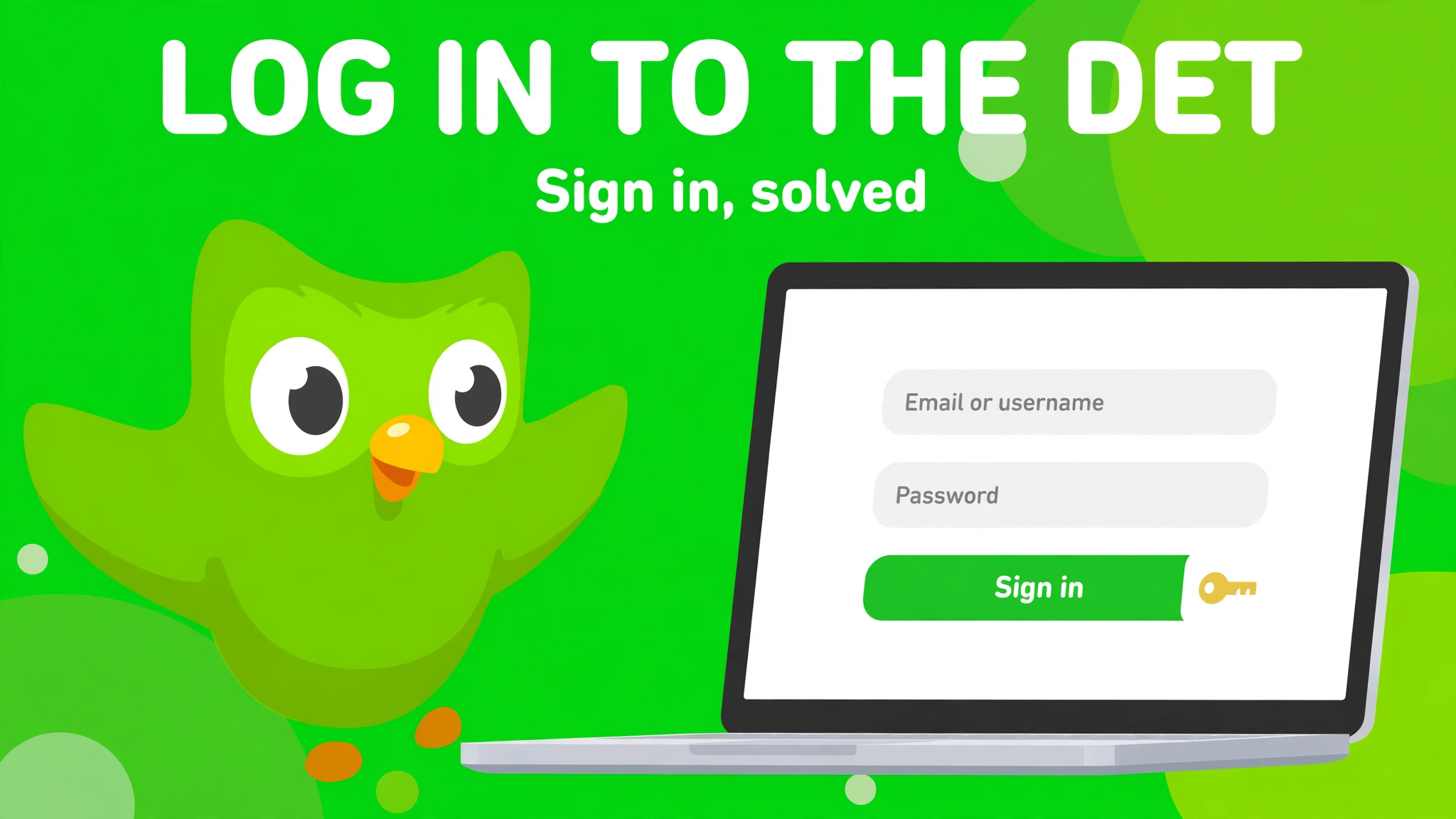
To log in, go to englishtest.duolingo.com, click Log In, and sign in with the exact email address you used when you created your DET account — or with the Google account you signed up with. Your dashboard is where you buy a test, download the desktop app, take the free practice test, see your results, and reach support through the HELP button.
This guide covers how to create and log into your DET account, the difference between the test login and the learning-app login, how to reset a forgotten password, and how to fix the most common login problems. If you cannot reach support after trying these steps, see Duolingo English Test Support Email and Contact 2026. If the test itself will not load once you are logged in, see Duolingo English Test Stuck on Loading? Fix It Fast.
Here is what we will cover:
- DET login vs Duolingo app login
- How to create your DET account
- How to log in, step by step
- What you can do after logging in
- Forgot your password?
- Common login problems and fixes
- Google sign-in problems
- Two accounts, wrong account, missing test
- Keeping your DET account safe
- FAQs
DET Login vs Duolingo App Login
This is the single biggest source of login confusion, so it is worth stating plainly:
| Account | Where you log in | What it holds |
|---|---|---|
| Duolingo English Test (DET) | englishtest.duolingo.com | Your test purchases, test credit, practice test, results, score sending, and support chat |
| Duolingo language learning | duolingo.com or the Duolingo app | Your lessons, streak, XP, and Super subscription |
The two accounts can share the same email address, but they are separate logins. Signing into one does not sign you into the other, and a password change on one does not change the other. If you log in and your test or results are “missing”, check first that you are on the right website — most of the time, that is the whole problem.
How to Create Your DET Account
You need a DET account before you can buy a test or take the free practice test. It is free to create, and it takes a couple of minutes.
- Go to englishtest.duolingo.com. Type the address yourself — do not follow a link in an email or a search ad.
- Click Sign Up (or Create an account).
- Enter your email address and choose a password — or choose Sign up with Google if you prefer to use your Google account.
- Use your exact legal name, exactly as it appears on the photo ID you will show on test day. A name mismatch between your account and your ID is a common reason for an uncertified result.
- Verify your email address by clicking the link Duolingo sends you. Check your spam or junk folder if it does not arrive within a few minutes.
- You must be 13 or older to create an account on your own. If you are under 13 (or under the age that needs parental consent in your country), a parent or guardian must give permission — they can contact support through the HELP button or by email to arrange it.
You do not need an ID to create the account or buy a test. You need it on test day, when the proctor checks it before the test starts.
How to Log In, Step by Step
- Go to englishtest.duolingo.com.
- Click Log In at the top of the page.
- Enter the email address you used when you created your DET account, and your password.
- If you signed up with Google, click Log in with Google instead, and choose the same Google account you signed up with.
- You will land on your dashboard. From there you can buy a test, start the free practice test, download the desktop app, see your results, and send your scores.
If you signed up with Google, there may be no DET password at all — you log in through Google every time. Trying to reset a password that does not exist will not work; use the Google button instead.
What You Can Do After Logging In
| On your dashboard | What it is for |
|---|---|
| Buy a test | One test costs $70; a two-test bundle costs $118; Fast Results (12 hours instead of 48) adds $40. You have 21 days from purchase to take the test. |
| Practice test | Free, unlimited attempts, about 15 minutes — take it before the real test to check your setup and the format. |
| Download the desktop app | The real test runs in the DET desktop app on Windows 10+ or macOS 10.15+, not in a browser. |
| Results | Certified results arrive within 48 hours (12 hours with Fast Results). An uncertified result is shown here too, with its reason. |
| Send scores | Send your certified result to as many institutions as you like, free, from your dashboard. |
| HELP button | Live chat with test-taker support, and the route to email support. |
Forgot Your Password?
If you signed up with an email address and a password, and you have forgotten the password:
- On the DET sign-in page, click Forgot password (or the equivalent “forgot password” link shown on the page).
- Enter the email address linked to your DET account and submit the form.
- Check your inbox for the reset email, then follow the link to create a new password. Check your spam or junk folder if it does not arrive within a few minutes.
- If it still does not arrive, request it once more, and double-check that you typed the right email address — a reset email sent to the wrong address will never arrive.
- Choose a strong, new password that you do not use anywhere else, and save it in a password manager if you use one.
If you signed up with Google or another social account, there is no DET password to reset. Log in with the Google button, and if you cannot get into your Google account, reset your Google password with Google — Duolingo cannot reset it for you. If you signed up with an email address that you typed wrongly at sign-up, you may not be able to reset the password at all, because the reset email goes to the wrong address. In that case, contact DET support and explain the situation.
Common Login Problems and Fixes
| Problem | Fix |
|---|---|
| “Incorrect email or password” | Check for typos and caps lock; try the other email addresses you own; use Forgot password |
| Reset email never arrives | Check spam and junk; add Duolingo to your safe senders; request it again; confirm the email address is right |
| Page will not load or keeps spinning | Check your internet; try a different browser (latest Chrome works best); clear cache and cookies; disable ad blockers and VPNs |
| Logged in, but my test or results are missing | You are probably in the wrong account — log out and try your other email address; check you are on englishtest.duolingo.com, not duolingo.com |
| Verification email never arrives | Check spam; request a new verification email; make sure the address is spelled correctly |
| “Account blocked” message | Do not create a new account — contact support through the HELP button or by email; a blocked account may have an appeal option (72-hour deadline) |
| Login works on one device but not another | Update the browser or app on the failing device; clear its cache; check its internet connection |
Google Sign-In Problems
- Use the same Google account you signed up with. If you have two Google accounts, the wrong one will create or open a different, empty DET account.
- Allow third-party cookies for the sign-in to work. Privacy-focused browsers (including Brave) can block the Google sign-in unless you allow cookies for the site.
- If Google sign-in fails, try a different browser — latest Chrome is the most reliable — and disable extensions, especially ad blockers, then try again.
- Never share your Google login with anyone offering to “log in for you” or take the test for you. That is impersonation, and it can get your account blocked permanently.
Two Accounts, Wrong Account, Missing Test
If you have ever signed up twice — once with an email address and once with Google, or with two different email addresses — you have two DET accounts, and your test lives in only one of them. This is the most common reason a paid test seems to vanish.
Log out completely, then log back in with each email address in turn until you find the account that shows your purchase. Stick to that one account from then on. Do not buy a second test in the wrong account to “fix” it — contact support and ask them to help you find the right account. Your test credit is tied to the account that bought it, and it expires 21 days after purchase, so do not waste time testing the wrong login.
Keeping Your DET Account Safe
- Use a strong, unique password — a mix of upper and lower case letters, numbers, and symbols — and do not reuse a password from another site.
- Never share your login details with anyone, including “agents” or “helpers” who offer to take the test for you. That is cheating, and it can end with a permanent ban.
- Only log in on the real website. Type englishtest.duolingo.com yourself. Never log in through a link in an email or message, and never enter your password on a site that does not show the correct address. Duolingo will never ask for your password by email.
- Log out on shared or public computers, and do not save your password on a computer other people use.
- Keep the email address on your account up to date, because password resets, results, and uncertified-result notices all go to that address.
We could not verify whether the DET offers two-factor authentication. Duolingo’s learning app has account-security options, but no official DET page we checked describes two-factor authentication for the DET account itself. Do not rely on a security setting you cannot see on the DET sign-in or account page — a strong, unique password and careful sign-in habits are the protections you can count on.
Frequently Asked Questions
Where do I log into the Duolingo English Test?
At englishtest.duolingo.com. Click Log In and sign in with your DET email and password, or with the Google account you signed up with. The Duolingo app and duolingo.com are for language lessons, not for the test.
Is my DET login the same as my Duolingo login?
Not necessarily. They are separate accounts on separate websites. They can share the same email address, but signing into one does not sign you into the other.
I forgot my DET password. What do I do?
Use the “Forgot password” link on the DET sign-in page, enter your DET account email, and follow the reset link in your inbox (check spam too). If you signed up with Google, log in with Google instead — there is no DET password to reset.
Why does it say my password is wrong?
Usually a typo, caps lock, the wrong email address, or the wrong account (email sign-up vs Google sign-up). Try your other email addresses, then reset the password. If it still fails, contact support.
Can I log into the DET on my phone?
You can log into your DET account on a phone browser to buy a test, see results, or contact support. But you cannot take the real test on a phone — the test runs in the desktop app on a Windows or Mac computer, and your phone is only the second camera.
I logged in but my test is gone. What happened?
You are almost certainly in the wrong account, or on the wrong website. Log out, check you are on englishtest.duolingo.com, and try your other email addresses. Also check whether your 21-day credit has expired — an unused credit expires 21 days after purchase.
The Bottom Line
DET login problems are almost always one of three things: the wrong website, the wrong account, or a forgotten password. Go to englishtest.duolingo.com, use the exact email (or Google account) you signed up with, and reset the password if you need to. Once you are in, your dashboard holds everything — your test credit, the practice test, the desktop app download, your results, and the HELP button for support.



One Comment