
Last updated: November 2026
You can buy Super Duolingo in the app or on the Duolingo website, and the website is often the better place to do it. Web prices are often the same or cheaper than app prices, because Apple and Google take a cut on purchases made inside the app. The website also gives you direct control over your payment method and your billing.
This guide walks you through buying Super on duolingo.com step by step, explains the plans and prices you will see, and shows how web buying differs from buying in the app. For the general guide to buying Super on any device, see how to buy Duolingo Super.
How to Buy Super on the Website, Step by Step
The whole process takes about two minutes. Do it in a browser on your computer for the clearest view of the plans, though it also works in a mobile browser.
- Go to duolingo.com and sign in. Use the same account you learn with in the app. If you buy on a different account, Super will not appear in your app. If you do not have an account yet, create one first with your email address.
- Click Shop in the side menu. On the website, the Shop is in the left-hand navigation. It is the same Shop you open with the gem icon in the app.
- Click Get Super. This opens the Super page with the plans available on your account.
- Pick your plan. You will usually see a monthly plan, a yearly plan, and a Family plan. The yearly plan is the best value if you plan to keep learning for months.
- Check the price and the trial. The website usually offers one week free before billing starts. Read the price and the renewal date on your own screen before you confirm, because Duolingo shows different prices to different accounts.
- Enter your card details and confirm. Duolingo bills you directly. You can pay by card, and PayPal is offered in many countries. Your Super starts right away.
- Check your email. Duolingo sends a confirmation email with your plan, your payment method, and your renewal date. Keep it for your records.
That is all. Super follows your account everywhere, so once you buy on the website, you can open the app on your phone and your Super benefits are already there. You do not need to buy again in the app.
Plans and Prices on the Website
Duolingo publishes no official price list, and the price you see depends on your account, your country, and whether you buy on the web or in the app. The figures below are the usual US ranges reported in November 2026. Treat them as a planning guide and always confirm the price on your own checkout screen.
| Plan | US Price (Approx.) | Works Out To | Best For |
|---|---|---|---|
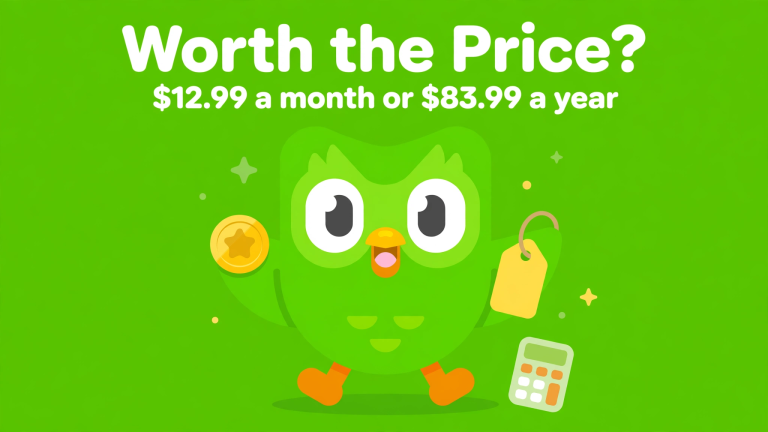
| Super, monthly | About $12.99 to $13.99 a month | About $156 to $168 a year if you stay monthly | Trying Super without a long commitment |
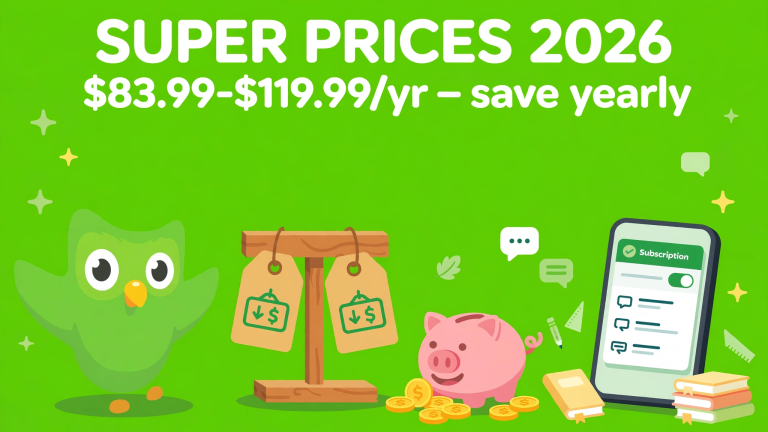
| Super, yearly | About $83.99 to $119.99 a year | About $7 to $10 a month | Best value for regular learners |
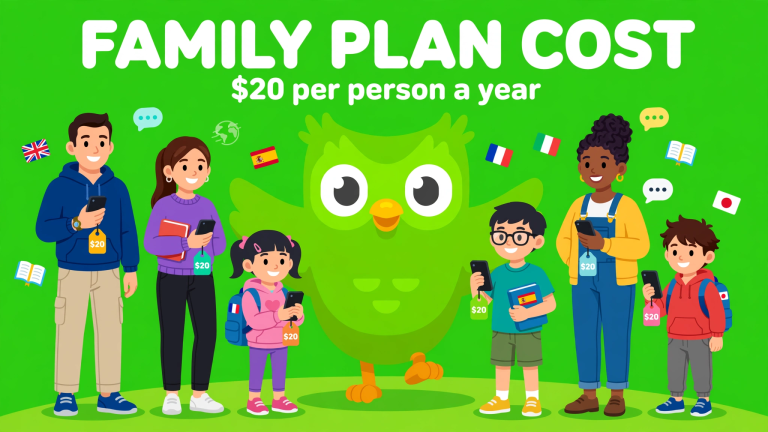
| Super Family, yearly | About $119.99 to $143.99 a year | About $20 to $24 per person per year, split six ways | Up to 6 people on one plan |
The yearly plan saves real money. Paying monthly at $12.99 for a year costs $155.88. The yearly plan at $83.99 saves you $71.89. The Family plan is the cheapest per person: split six ways, it costs about $20 per person per year.
The old prices quoted in earlier versions of this guide, $59.99 a year for Super and $12.99 a month as the only monthly price, are no longer current. Do not expect to see $59.99 at checkout.
A cheaper test plan called Lite, or Super Lite, may also appear on your screen, reported at about $35.99 a year. It is a limited plan Duolingo shows to some accounts. If you see it, read what it includes before you buy, because it does not have every Super feature.
Web vs App: What Is Different?
| Point | Buying on the Website | Buying in the App |
|---|---|---|
| Price | Often the same or cheaper; no app-store commission | Can be higher, because Apple and Google take a cut |
| Free trial | Usually 1 week free | Usually 2 weeks free in the app |
| Where you cancel | On the website, in your account settings | In the App Store or Google Play, not in Duolingo |
| Refunds | Through Duolingo support | Through Apple or Google, not Duolingo |
| Gift option | Yes, at duolingo.com/gift | No, gifts are web-only |
| Max plan | Not sold; Max is discontinued | Not sold; Max is discontinued |
The golden rule: cancel where you subscribed. A web subscription is cancelled on the website. An app subscription is cancelled in the App Store or Google Play. Cancelling in the wrong place will not stop the billing.
If the trial matters to you, compare before you buy. The website usually offers one week free, while the app often offers two weeks. If prices look the same on both, take the longer trial in the app. If the web price is lower, the shorter trial may still be the better deal.
What You Get With Super
Super gives you the same lessons as the free app, with the limits removed. The main benefits are:
- No ads. Learn without interruptions.
- Unlimited Energy on mobile. On most mobile accounts, mistakes now cost Energy instead of hearts, and Super removes the limit. On the website, practice is unlimited for everyone.
- Offline lessons. Download lessons in the app and learn without internet.
- Personalized practice. Practice Hub and mistake review, both free for all learners since 18 February 2026, plus extra review tools for Super subscribers.
- Unlimited Video Call. Rolling out to all Super subscribers by the end of 2026. New Super subscribers already get it.
- Monthly Streak Repair. One free Streak Repair each month.
Super does not add extra language lessons or content. It removes limits and adds tools around the same courses. Explain My Answer, the AI feature that explains why an answer was right or wrong, is free for all learners since 1 January 2026, so you do not need Super for that.
Buying Super as a Gift
If you are buying Super for someone else, use the gift page instead of a normal subscription. Duolingo sells gift subscriptions on its website at duolingo.com/gift: one year of Super for one person, with no auto-renewal.
You enter the recipient’s name and email, add a message, choose when the gift should be delivered, and pay by card. Duolingo emails the gift to the recipient, who clicks the link, logs in to their Duolingo account, and gets a full year of Super. The gift starts when the recipient redeems it, not when you buy it, and the recipient does not need to enter any payment details.
There are two limits: you cannot gift a Family plan, and you cannot gift Super to someone who already pays for a Duolingo subscription. The gift costs about the same as a year of Super for one person. For the full guide, see how to gift Super Duolingo.
Common Problems and Fixes
Your card is declined
Check that the card supports international online payments and that the billing address matches. Try PayPal where it is offered, or try a different card. If the card works everywhere else, contact your bank: some banks block first payments to new merchants.
You bought Super but the app still shows free
Check that you signed in to the app with the same account you used on the website. Log out and back in, then force-close and reopen the app. Super follows the account, not the device.
You cannot see the Super option on the website
If your account is in a Duolingo classroom, Super is not available until you leave the classroom. Sign in on the website, leave the classroom in your settings, and the Super option should appear.
You were charged after cancelling the trial
Trials turn into paid subscriptions unless you cancel at least 24 hours before the trial ends. Cancel on the same platform where you subscribed. If you subscribed on the web, cancel in your Duolingo account settings on the website.
You want a refund
Refunds depend on where you bought. Web purchases go through Duolingo support. App purchases go through Apple or Google, not Duolingo, so you must ask the app store for the refund.
Frequently Asked Questions
Is it cheaper to buy Super Duolingo on the website?
Often, yes. Web prices are usually the same or lower than app prices, because Apple and Google take a commission on in-app purchases. Compare the price on the website with the price in the app before you buy.
How do I buy Super Duolingo on the website?
Sign in at duolingo.com, click Shop in the side menu, then click Get Super. Pick monthly or yearly, check the price and trial length, enter your card details, and confirm.
What payment methods does Duolingo accept on the website?
Major credit and debit cards, and PayPal where it is offered. Your bank may charge in your local currency, and Duolingo shows the price in your currency at checkout.
Can I buy Super on the website and use it in the app?
Yes. Super follows your account. Buy on the website, open the app with the same account, and your benefits are there right away.
How do I cancel Super bought on the website?
Cancel in your Duolingo account settings on the website. You keep Super until the end of the billing period you already paid for, then the account returns to free.
Can I still buy Duolingo Max on the website?
No. Max was never sold on the website, and Duolingo stopped selling new Max subscriptions in November 2026. Super is the plan to buy now.
Is there a free trial on the website?
Usually one week free. The app often offers two weeks. Check the trial length on your own screen before you confirm, and cancel at least 24 hours before it ends if you do not want to be charged.


One Comment