
Last updated: November 2026
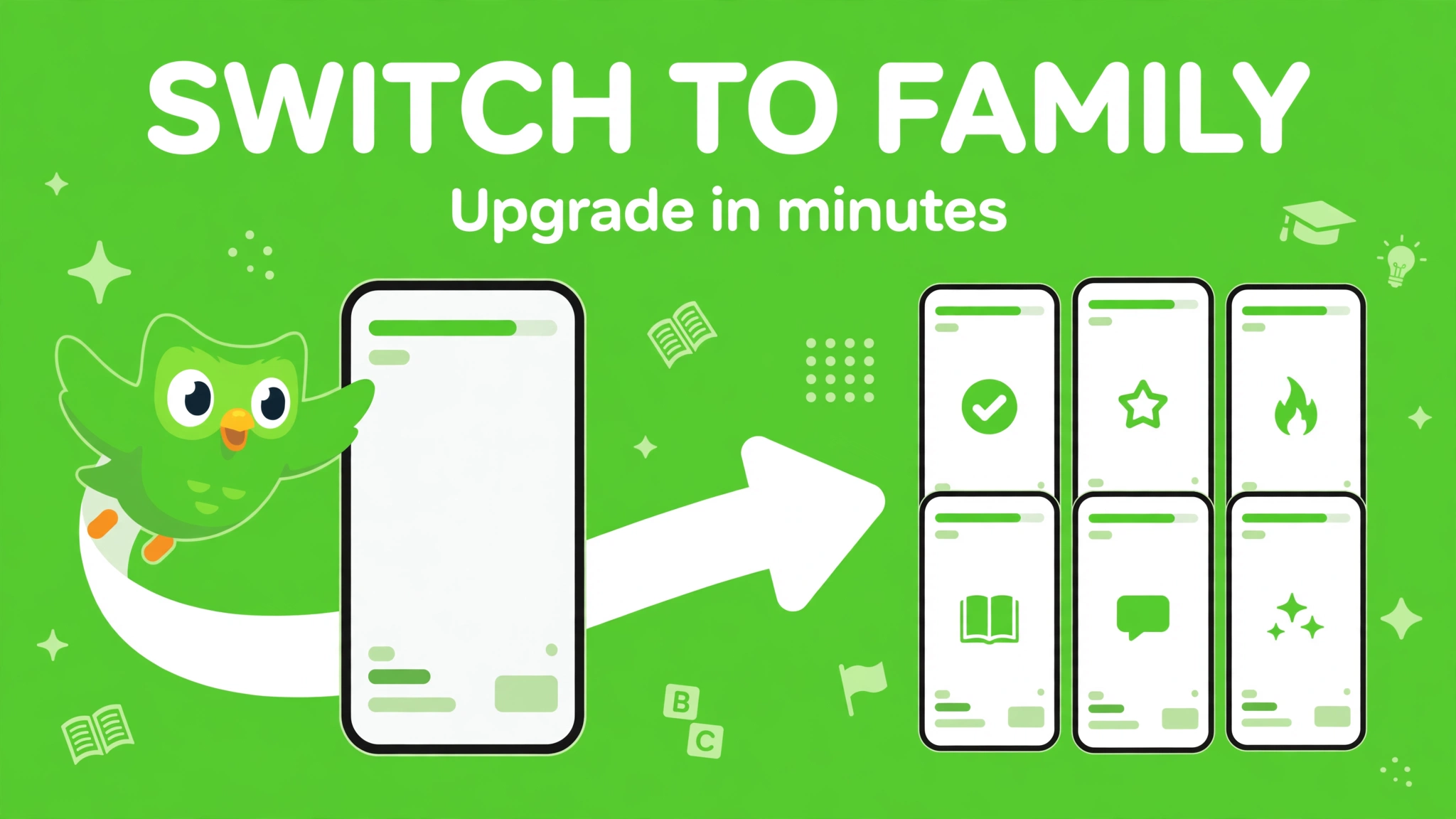
To switch from Super Duolingo to the Family Plan, you upgrade from inside your Super settings — you do not need to cancel first. Go to the Super dashboard, tap “Manage subscription”, then “Change plan”, pick the Family Plan, and confirm. The upgrade takes effect immediately. What happens to your money next depends on where you subscribed: iPhone and web charge the full Family price and refund the unused part of your old plan, while Android charges only the prorated difference.
Before you start: check how you subscribed. If you pay monthly through Google Play, there is no upgrade option at all. And if you cancelled auto-renewal on your Super plan but it has not expired yet, the upgrade option will not appear until you turn auto-renewal back on.
This article is the upgrade guide: the exact steps for iPhone, Android, and web, the refund and renewal-date rules for each platform, when to switch, and what to do when the option does not appear. For the Family price maths, see Duolingo Family Plan Cost 2026: Prices Per Person. For how to invite people once you have upgraded, see How to Add Someone to Your Duolingo Family Plan. For the full plan overview, see Duolingo Family Plan 2026: Cost, Setup & Benefits.
Here is what we will cover:
- Should you switch? The quick check
- Before you switch: what to check
- How to switch on iPhone
- How to switch on Android
- How to switch on the web
- Refunds and renewal dates by platform
- When is the best time to switch?
- What happens to your progress and members
- Troubleshooting: no upgrade option
- FAQs
Should You Switch? The Quick Check
Switching makes sense when two or more people will actually use Super. One Family plan costs about $119.99–$143.99 a year in the US and covers up to 6 people. Two individual yearly Super plans cost about $167.98–$239.98 a year together. So the switch saves money from the second person onward — and the saving grows with every seat you fill.
| Your situation | Switch or stay? | Why |
|---|---|---|
| You plus 1–5 others who will study | Switch | Family is cheaper than 2 individual plans, and far cheaper than 3 or more |
| You alone | Stay on individual Super | Family at $119.99+ costs more than the cheapest yearly Super at $83.99 |
| Others might join later | Switch when they are ready | You can add members at any time after upgrading — no need to wait for all 5 |
| You pay monthly via Google Play | Cannot upgrade in place | No upgrade option exists for Google Play monthly plans — see the workaround below |
One more check: the Family Plan is annual only. If you like paying monthly because you might stop in a few months, the Family Plan locks you into a year. Make sure the group is committed before you switch.
Before You Switch: What to Check
- Where did you subscribe? iPhone (App Store), Android (Google Play), or the web (duolingo.com). The upgrade steps and the refund rules are different for each. You must upgrade in the same place you subscribed.
- Is auto-renewal on? If you cancelled auto-renewal but your Super plan has not expired yet, the upgrade option will not appear. Turn auto-renewal back on first (see Troubleshooting below).
- Are you monthly or yearly? On Android, a monthly Google Play plan cannot be upgraded at all. On iPhone and web, monthly and yearly plans can both be upgraded.
- What is your renewal date? It decides whether switching now or later costs you less — see “When is the best time to switch?” below.
- Who will you invite? You do not need all 5 people ready before you switch — you can invite them after — but have at least one other person in mind, or the switch costs you money for nothing.
How to Switch on iPhone
These are Duolingo’s own steps from its Family Plan help page for the iOS app:
- Open the Duolingo app and log in to the account with the Super subscription.
- Tap the Super icon at the top of the home screen.
- Tap Settings (the gear icon).
- Tap “Manage subscription”.
- Tap “Change plan”.
- Select the Family Plan and confirm.
- Confirm the purchase via Apple.
- The upgrade takes effect immediately. You are now the family manager, and you can invite up to 5 people.
On iPhone, you are charged the full Family price immediately, and Apple then processes a prorated refund for the unused remainder of your individual Super plan. Your renewal date moves to the date of the upgrade — so your new annual year starts on the day you switch, not on your old renewal date.
How to Switch on Android
Duolingo’s own steps for the Android app:
- Open the Duolingo app and log in to the account with the Super subscription.
- Tap the Super icon at the top of the home screen.
- Tap Settings (the gear icon).
- Tap “Manage subscription”.
- Tap “Change plan”.
- Select the Family Plan and confirm.
- Confirm the purchase via Google Play.
- The upgrade takes effect immediately.
Android works differently from iPhone: instead of charging the full Family price and refunding you later, Google Play charges you only a prorated amount immediately — the difference to upgrade the remaining part of your current billing period to the Family Plan. And your renewal date does not move: it stays based on your original subscription. That makes Android the cleanest upgrade of the three, because you pay only the difference and your renewal date is unchanged.
Google Play monthly plans cannot be upgraded. Duolingo’s help page says it plainly: if you have a monthly subscription through Google Play, you will not see an option to upgrade to a Family Plan. The workaround is to cancel the monthly plan, wait for it to expire, and then buy the Family Plan fresh — you will lose no progress or streak by doing that, but you will have a gap with no Super in between.
How to Switch on the Web
Duolingo’s own steps for the web browser:
- Open your Duolingo account in a web browser and log in.
- Click the “More” menu on the left.
- Select “Settings”.
- Select “Super Duolingo”.
- Click “Change plan”.
- Select the Family Plan and confirm.
- Confirm the purchase.
- The upgrade takes effect immediately.
On the web, like on iPhone, you are charged the full Family price immediately, and a prorated refund for the unused remainder of your individual plan processes in 5–10 business days. Your renewal date moves to the date of the upgrade.
Refunds and Renewal Dates by Platform
This is the part our old article got wrong — it told readers to cancel first, quoted a $59.99 yearly Super price and a $199.99 Family price, and described a monthly Family option that does not exist. All three are wrong. Here is the correct picture, from Duolingo’s own help pages:
| Platform | What you pay at upgrade | Refund for unused Super time | Renewal date after upgrade |
|---|---|---|---|
| iPhone (App Store) | Full Family price immediately | Apple processes a prorated refund for the remainder of your individual plan | Moves to the upgrade date |
| Android (Google Play) | Only a prorated amount — the difference to upgrade the rest of your current period | No separate refund — you only pay the difference | Stays on the original date |
| Web (duolingo.com) | Full Family price immediately | Prorated refund processes in 5–10 business days | Moves to the upgrade date |
| Google Play monthly | No upgrade available | Not applicable — cancel, wait for expiry, then buy Family fresh | New date when you buy Family |
Two cautions. First, the exact refund timing on iPhone is handled by Apple, and Duolingo’s help page does not give a day count for it — only that Apple processes it. If the refund has not appeared after a week or so, check with Apple, not Duolingo. Second, cancelling a plan outright is different from upgrading: if you simply cancel Super, Duolingo does not refund the unused part at all — you keep Super until the period ends and then drop to free. The prorated refund only applies to the upgrade path described above, not to a plain cancellation.
When Is the Best Time to Switch?
On Android, timing barely matters: you pay only the prorated difference, and your renewal date stays put, so switching mid-year costs you nothing extra. On iPhone and web, timing matters more, because you pay the full Family price up front and your renewal date resets to the switch date:
- Near your renewal date (iPhone and web): the cleanest time. Your unused Super time is small, so the refund is small and the reset renewal date barely moves.
- Just after renewal (iPhone and web): the worst time to switch, because you have just paid for a full year of individual Super and now pay a full year of Family on top — even though the prorated refund comes back, you are out of pocket until it arrives.
- Mid-year (iPhone and web): fine, as long as you expect the refund. You pay Family in full now, the refund for the unused months lands later (5–10 business days on web; Apple’s timing on iPhone), and your new year starts on the switch date.
- On a free trial: check before you switch. Trial terms differ by account, and we could not confirm whether upgrading during a trial keeps the trial or ends it. If you are in a trial, the safe move is to check the upgrade screen — it shows the price before you confirm — and only confirm if the price is what you expect.
What Happens to Your Progress and Members
Nothing bad. Switching plans never touches your learning: your progress, XP, streak, and completed lessons all stay exactly as they are. You become the family manager, and the account you switched on is the manager account — so switch on the account you want to keep paying from, because Duolingo documents no way to transfer the manager role later.
After the switch, invite your members from the Super dashboard — Super icon, Family Plan section, “+” or “Manage” then “Add member” — and send each person an invite link by text, WhatsApp, or email. They join with their own accounts and get Super immediately. For the full invite walkthrough, see How to Add Someone to Your Duolingo Family Plan. For how sharing works day to day — including what happens when someone leaves — see How to Share Your Duolingo Family Plan in 2026.
Troubleshooting: No Upgrade Option
If “Change plan” or the Family Plan option does not appear, it is almost always one of these:
| Cause | Fix |
|---|---|
| Monthly plan on Google Play | No upgrade exists. Cancel, wait for the plan to expire, then buy Family fresh. |
| Auto-renewal was cancelled | Duolingo’s own fix: go to your Profile, tap “Keep my Subscription”, reopen the app, and follow the upgrade steps again. |
| Wrong account | Log in to the account that actually pays for Super. A member account on someone else’s Family plan cannot upgrade. |
| App is out of date | Update the Duolingo app from the App Store or Google Play, then try again. |
| You are already on a Family plan | There is nothing to upgrade to — you already have it. Check the Super dashboard to confirm. |
Frequently Asked Questions
Do I need to cancel Super before switching to Family?
No. Use the “Change plan” upgrade inside your Super settings. Cancelling first is the old advice, and it is wrong: if you cancel, you lose the upgrade path and its prorated refund, and you will have a gap with no Super until you buy Family fresh.
Will I lose my streak or progress when I switch?
No. Switching plans does not affect your progress, XP, or streak. That is true for the upgrade, for joining a plan, and for leaving one.
How much extra will switching cost me?
It depends on the platform. On Android you pay only the prorated difference for the rest of your current period. On iPhone and web you pay the full Family price (about $119.99–$143.99 in the US) and get a prorated refund for your unused individual Super time — 5–10 business days on web, via Apple on iPhone.
Can I switch back from Family to individual Super?
Duolingo documents the upgrade to Family, not a one-tap downgrade back. In practice, the route is to cancel the Family plan, let it run to the end of the paid year, and then buy individual Super fresh. You keep Super until the paid year ends, and your progress and streak are unaffected. We could not confirm a prorated refund for a downgrade, so do not assume one exists.
Can I switch during a free trial?
We could not confirm this for November 2026 — trial terms vary by account, and Duolingo’s help pages do not cover upgrading mid-trial. Check the upgrade screen before confirming: it shows the price you will actually pay. If it shows a full Family charge, you may prefer to wait until the trial ends.
What if the person I want to add already has Super?
They cannot join your Family plan until their own plan expires. They cancel their own subscription, wait for it to end, and then accept your invite. Their progress and streak are not affected.
The Bottom Line
Switching from Super to the Family Plan is an upgrade, not a cancel-and-rebuy: Super settings, “Manage subscription”, “Change plan”, pick Family, confirm. Android charges only the prorated difference and keeps your renewal date; iPhone and web charge the full Family price, refund the unused Super time, and reset your renewal date to the switch day. The one hard exception is a monthly Google Play plan, which cannot be upgraded at all. Check where you subscribed, check your renewal date, and switch near renewal if you are on iPhone or web.